
Consumer Electronics & Gadget Usage
How to Travel With Electronics Without Damaging Them: The Complete Gadget Packing Guide
Cracked screens, swollen batteries, and dead ports usually aren't caused by bad luck. They're caused by how a device gets packed. Here's the system that actually keeps phones, laptops, cameras, and power banks safe on the road.
Quick Answer
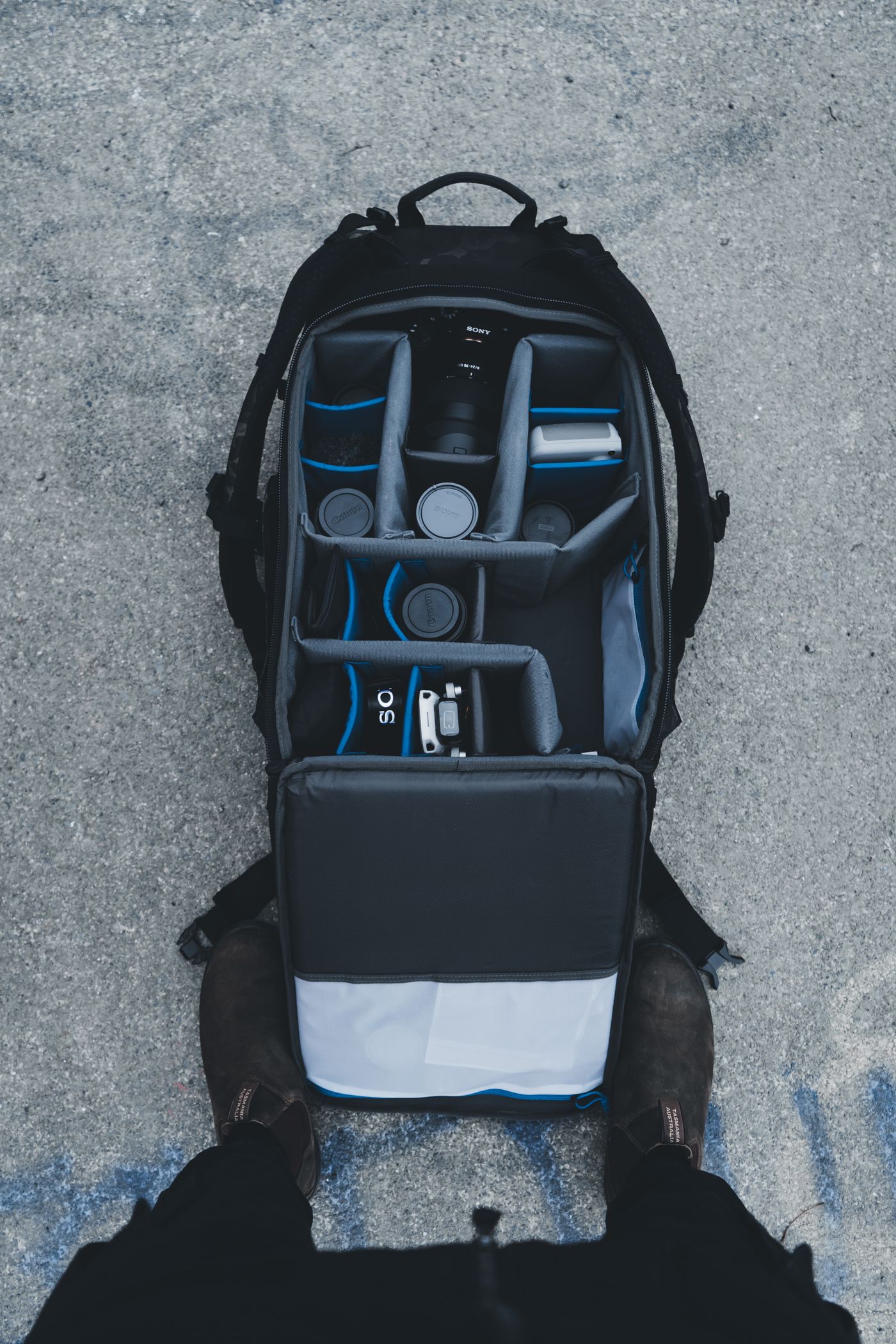
To travel with electronics without damaging them, charge every device to 50–80% before departure, pack each item in its own padded compartment rather than loose in a bag, keep spare batteries and power banks in your carry-on (never checked luggage), let devices acclimate for 20–30 minutes after big temperature changes before charging or opening them, and manage cables so nothing tangles, kinks, or presses against a screen. The goal isn't a fancier bag — it's removing the five or six specific stresses (impact, heat, moisture, pressure, and cable strain) that cause almost all travel damage.
Why Electronics Actually Get Damaged in Transit
Most gadget damage from travel doesn't happen in one dramatic moment. It's rarely a suitcase getting run over on the tarmac. It's a slow accumulation of small stresses that add up over a single trip or across a dozen trips, until one day a laptop hinge cracks, a charging port stops registering a cable, or a phone screen shatters from a drop that "shouldn't have done anything."
There are really five mechanisms at work, and once you can name them, packing decisions get a lot easier.
- Impact and vibration. Every checked bag gets dropped, stacked, and jostled dozens of times between check-in and baggage claim. A device with no cushioning absorbs that shock directly.
- Pressure and compression. A laptop wedged under three days of folded clothes, a rolled-up jacket, and a shoe bag takes constant pressure for hours. Screens and hinges are not designed for sustained point pressure.
- Temperature swings. Cargo holds, hot car trunks, and cold outdoor waits all push batteries and screens outside their comfortable operating range.
- Moisture and condensation. Humidity, rain, and the simple act of moving a cold device into a warm room can introduce moisture into ports and seams.
- Cable and connector strain. Tightly coiled cables, cords yanked at odd angles, and connectors bent sideways in a crowded bag are the leading cause of charging failures — far more common than battery failure itself.
Nothing on this list requires expensive gear to solve. It requires a packing order and a few habits, which is what the rest of this guide walks through step by step.
The 7-Day Pre-Trip Checklist
The best time to protect a device is before it ever goes in a bag. Most of the prep work takes minutes and prevents problems you'd otherwise only notice mid-trip, when fixing them is inconvenient or impossible.
Do This Before You Pack a Single Device
- Back up phones, laptops, and cameras to the cloud or an external drive, so a lost or damaged device doesn't cost you your data too.
- Update the operating system and apps on every device while you still have reliable Wi-Fi, since updates can behave unpredictably on unfamiliar hotel or airport networks.
- Check battery health in Settings (or a dedicated app) so you know whether a device is already prone to fast draining or unexpected shutdowns.
- Photograph the serial number, IMEI, or model number of each expensive item — useful for insurance claims and for airport customs declarations in some countries.
- Test every cable and charger you plan to bring. A cable that works "most of the time" at home will fail you the one time you actually need it.
- Clean charging ports with a can of compressed air or a soft dry brush; lint buildup is a common reason devices stop charging reliably mid-trip.
- Download offline maps, boarding passes, and entertainment before departure so you're not relying on unstable airport Wi-Fi at the last minute.
The night before departure, charge everything to roughly 50–80%, not a full 100%. A lithium-ion battery sitting at full charge for hours generates more internal heat and experiences slightly more long-term wear than one resting in the middle of its range. It's a small difference on any single trip, but frequent travelers who make this a habit noticeably extend the usable lifespan of their batteries over a couple of years.
Choosing the Right Bag or Organizer
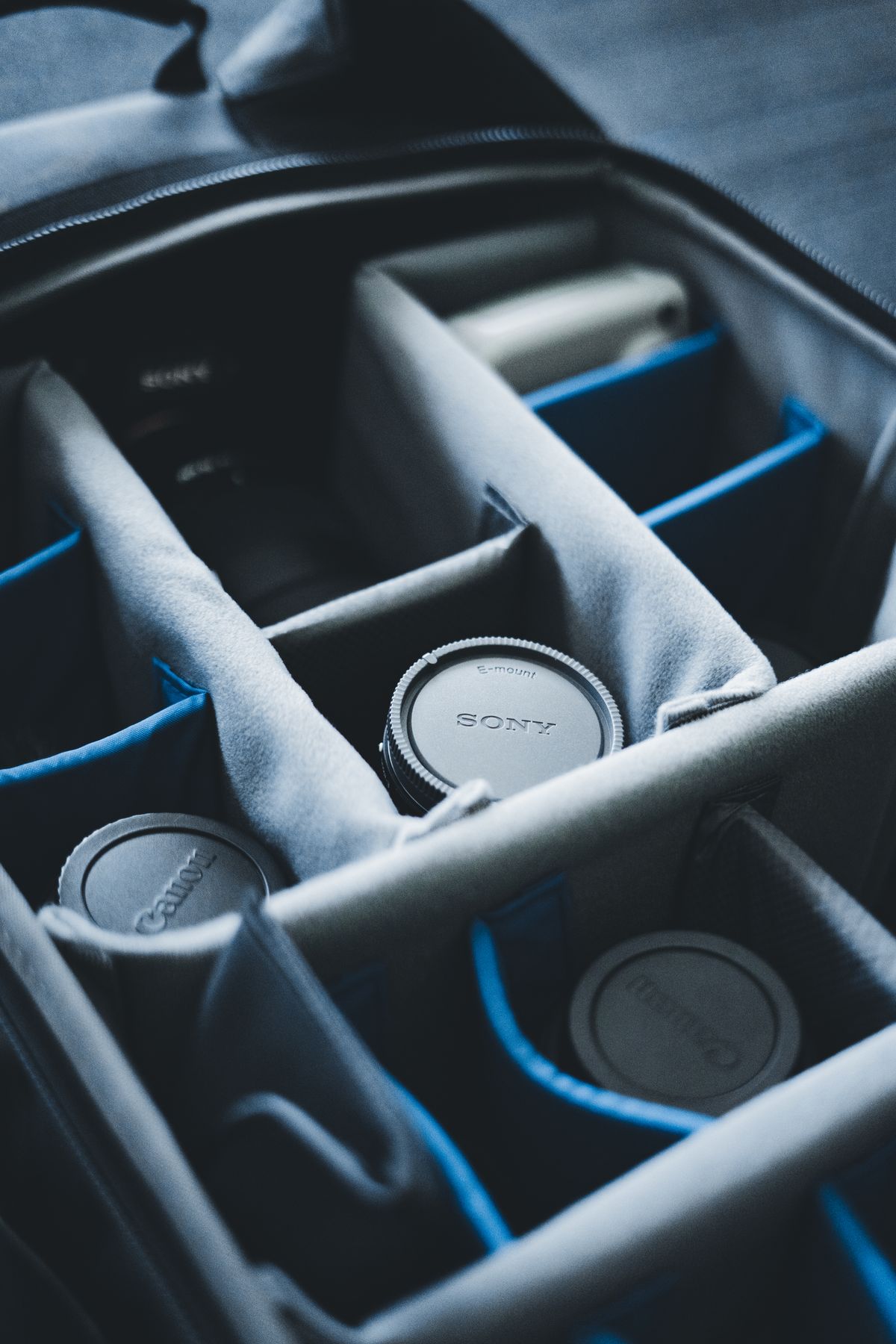
You don't need to buy a $200 case to protect your gear, but the container you use matters more than almost any other packing decision. A generic tote or a random zip pocket in a suitcase gives devices nothing to brace against; a purpose-built organizer gives every item its own defined space.
Look for these features, roughly in order of importance:
- Individual padded compartments rather than one open pouch. Devices sliding against each other is one of the most common causes of scratched screens and dented corners.
- A semi-rigid shell or reinforced base. Fully soft-sided pouches collapse under pressure; a shell with even light structure keeps its shape when stacked under other luggage.
- Water-resistant zippers or a water-resistant exterior. Spilled drinks, sudden rain while walking to a gate, and humid climates are more common threats than people expect.
- A dedicated cable section separate from the devices themselves, so a loose charger tip can't scratch a phone screen during transit.
- Neutral, non-flashy exterior. A case that doesn't scream "expensive electronics inside" is a small but real theft deterrent in crowded transit hubs.
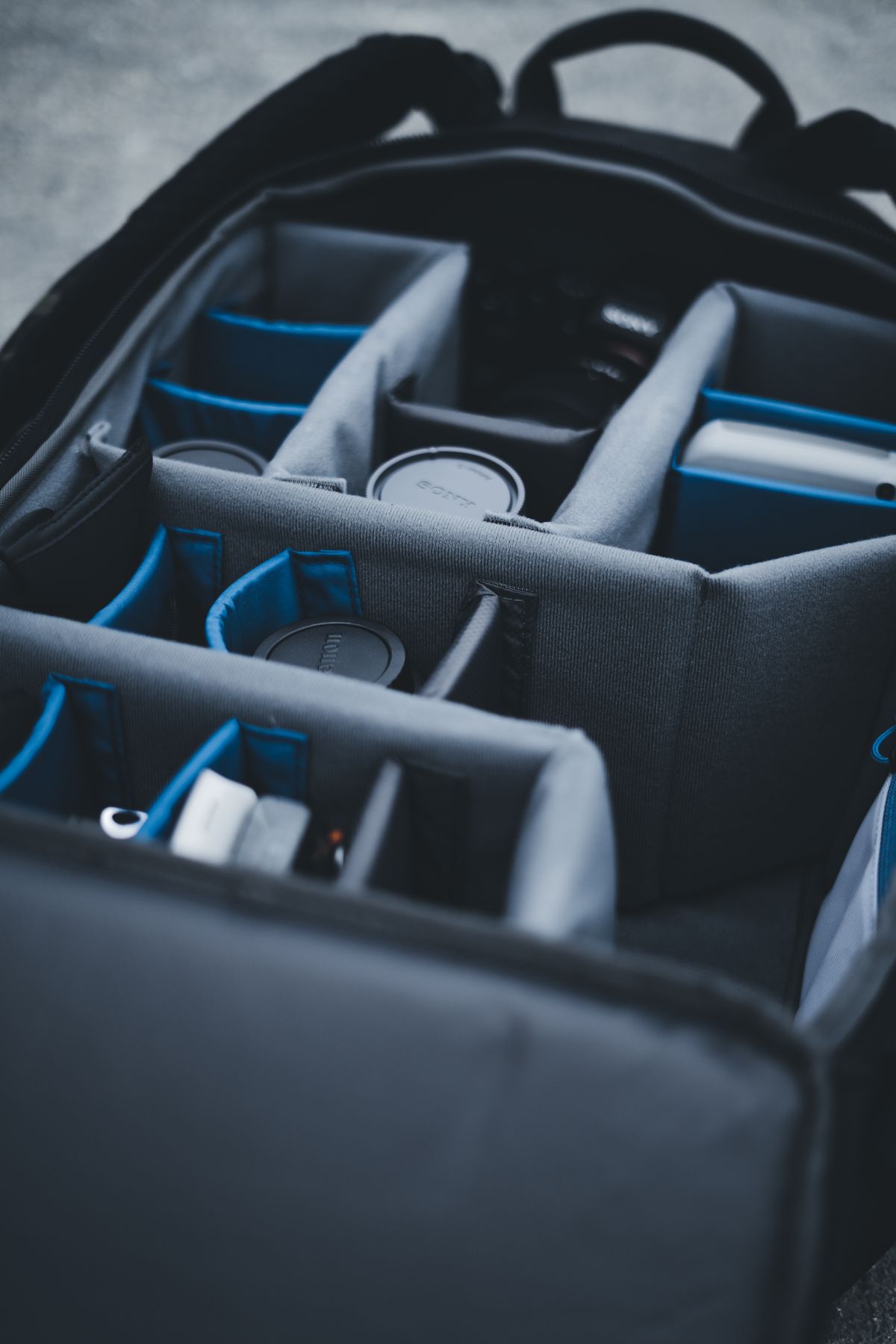
If you already own a daypack or backpack you like, you don't need to replace it. A slim electronics organizer pouch — the kind with elastic loops and mesh pockets, often sold as a "tech kit" or "cable organizer" — can sit inside almost any existing bag and instantly add the compartmentalization your devices need.
The Layering Method: How to Pack So Nothing Shifts
Packing order matters as much as what you pack things in. The goal is simple: nothing hard should ever press directly against something fragile, and nothing should be free to slide once the bag is zipped and moving.
For a Backpack or Daypack
- Place the laptop or tablet in its padded sleeve, positioned against your back (the side least likely to absorb an impact if the bag is set down or bumped).
- Fill the section in front of it with soft items — a light jacket, a packing cube of clothes, a microfiber cloth — so the laptop is sandwiched rather than floating loose.
- Store smaller devices (phone, earbuds case, portable charger) in their own zippered pockets, not loose in the main compartment where they can knock against harder items.
- Keep cables in a separate pouch, coiled loosely, so a metal connector never rests directly against a screen.
For a Checked Suitcase
Avoid checking valuable or fragile electronics whenever you have a choice — more on that in the next section — but if you do need to pack something in checked luggage (a spare charger, a travel router, a hair straightener with a tech-adjacent battery concern), place it in the center of the case, surrounded on all sides by folded clothing. The center of a suitcase experiences the least direct impact compared to corners and edges, which absorb the majority of drops and stacking pressure.
Rule of thumb: if you wouldn't want a book dropped directly on top of a device from a foot away, don't let anything else in your bag do that either. Padding isn't about softness — it's about distributing force so no single point of the device takes the full impact.
Cable and Charger Management That Actually Works
Cables fail more often than the devices they charge, and travel is where that failure usually happens. The internal copper strands inside a charging cable are thinnest right where the cable meets the connector — which is exactly the spot that takes the most stress from tight coiling, sharp bends, and being yanked out of an outlet in a hurry.
- Loop, don't wrap tightly. Coil each cable in loose, open loops about the width of your palm, then secure it with a velcro strap or a silicone cable tie. Wrapping a cable tightly around a hand or a charger block creates a permanent stress point.
- Give every cable its own slot. A roll-up organizer with individual elastic loops, or simply separate small zip pouches by device type, prevents the "fishing a tangled knot out of a bag pocket" problem that leads to cables being yanked and damaged.
- Label cables you can't tell apart. A small strip of washi tape or a cable tag saves real time when you're digging through a bag at a gate, and it reduces the chance of forcing the wrong connector into a port.
- Keep a "go-bag" of daily essentials. Your phone charger, one power bank, and your earbuds case should live somewhere you can reach without unpacking your whole tech organizer — usually a small front pocket of your day bag.
Carry-On vs. Checked Luggage: What the Rules Really Say
This is the section most people skip and then run into trouble with at the gate. Airlines and aviation authorities treat lithium-ion batteries differently from the rest of your luggage, and the rules exist for a real reason — lithium battery fires are difficult to extinguish in a sealed cargo hold, which is why regulators keep them in the cabin where a crew can respond immediately.
Rules can vary slightly by country and airline, so it's always worth a quick check of your specific carrier's site before an international trip, especially if you're carrying camera or drone batteries above the standard consumer range. As a general habit, anything with a battery you'd be upset to lose or replace should travel with you in the cabin, not in the hold.
Getting Through Airport Security Without a Scramble
Security screening is where a surprising amount of accidental damage happens — not from the X-ray itself, but from the rush of pulling devices out, dropping them into a hard plastic bin, and grabbing everything back up at the end of the belt.
- Unless you have expedited screening, laptops typically need to come out of your bag and go into their own bin. Keep your laptop in an easily accessible pocket so you're not digging through the whole backpack while a line forms behind you.
- Pad the bin yourself. A folded jacket or scarf under a laptop or tablet in the security bin prevents it from sliding and knocking against the hard plastic edge or other passengers' items.
- Keep small electronics — phone, earbuds, smartwatch — in one consolidated pouch or a single jacket pocket, rather than loose in different corners of your bag, so nothing gets left behind at the checkpoint.
- Do a "three-item check" before you walk away from the belt: phone, laptop, and any loose accessories. This one habit prevents the single most common airport electronics loss — leaving something in a bin.
Protecting Devices From Heat, Cold, Humidity, and Sand
Environmental damage tends to be slower and less obvious than a drop or a crack, which is exactly why it catches people off guard. A phone that "just stopped holding a charge" after a beach trip, or a laptop screen with a faint yellow tint after a few summers in a hot car, is usually an environmental story rather than a manufacturing defect.
Heat
Lithium-ion batteries begin to degrade measurably once they're regularly exposed to temperatures above roughly 95°F (35°C), and the effect compounds if the device is also actively charging or running a demanding app while hot. Never leave a phone, tablet, or power bank on a car dashboard, in direct sun on a beach towel, or sealed inside a dark bag left in a hot trunk. If a device does overheat, let it cool at room temperature before plugging it in or using it heavily again.
Cold
Cold weather doesn't usually cause permanent damage the way heat does, but it does temporarily reduce battery performance and can make touchscreens less responsive. The bigger risk with cold is what happens next: moving a cold device quickly into a warm, humid environment (like walking from a snowy street into a heated café) can cause condensation to form inside the device, the same way a cold drink glass sweats in a warm room.
Humidity and Condensation
Whenever you move a device between a significant temperature difference — plane cabin to tropical jet bridge, air-conditioned hotel to humid street — give it 20 to 30 minutes sealed in its bag or case before opening it up, charging it, or using it heavily. This lets the internal and external temperature equalize gradually, which prevents moisture from condensing on internal components.
Sand, Dust, and Water
Beach and outdoor trips are consistently one of the harder environments for electronics, mostly because of open ports rather than the devices themselves. Fine sand works into charging ports and speaker grilles, where it can scratch contacts or block sound over time.
- Use a dry bag or a resealable waterproof pouch any time devices will be near water, sand, or heavy splashing.
- Keep a soft microfiber cloth in your bag specifically for wiping sand or moisture off a device before it goes back in a pocket or case.
- Pack a few silica gel packets in your electronics organizer, especially for humid destinations — they're inexpensive and genuinely help keep moisture away from cables and connectors.
Device-by-Device Travel Protection Guide
General packing principles matter, but each type of device has its own specific weak points worth knowing.
Smartphones
Use a case with raised edges around the screen and camera lenses, since those are the two components most likely to take direct impact in a drop. If you're prone to leaving your phone in a back pocket, a slim card-holder case can double as a reminder to be more careful with it in crowds.
Laptops and Tablets
A padded sleeve is non-negotiable, even inside a backpack that already has a laptop compartment — it adds a second layer of protection against the compartment's own zipper pulls and hardware. Close the lid fully before moving the bag; a laptop carried even slightly open puts uneven pressure on the hinge.
Cameras and Lenses
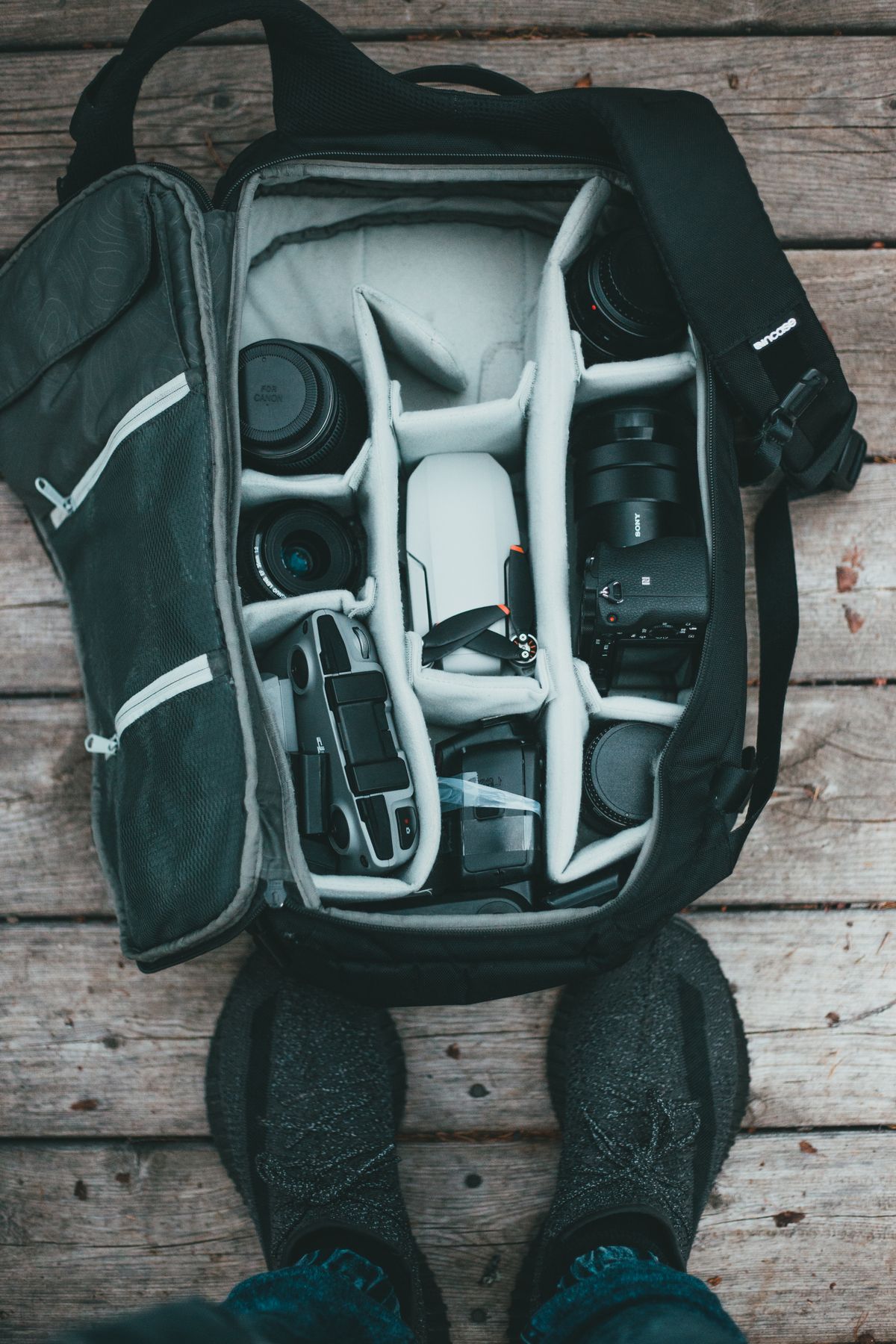
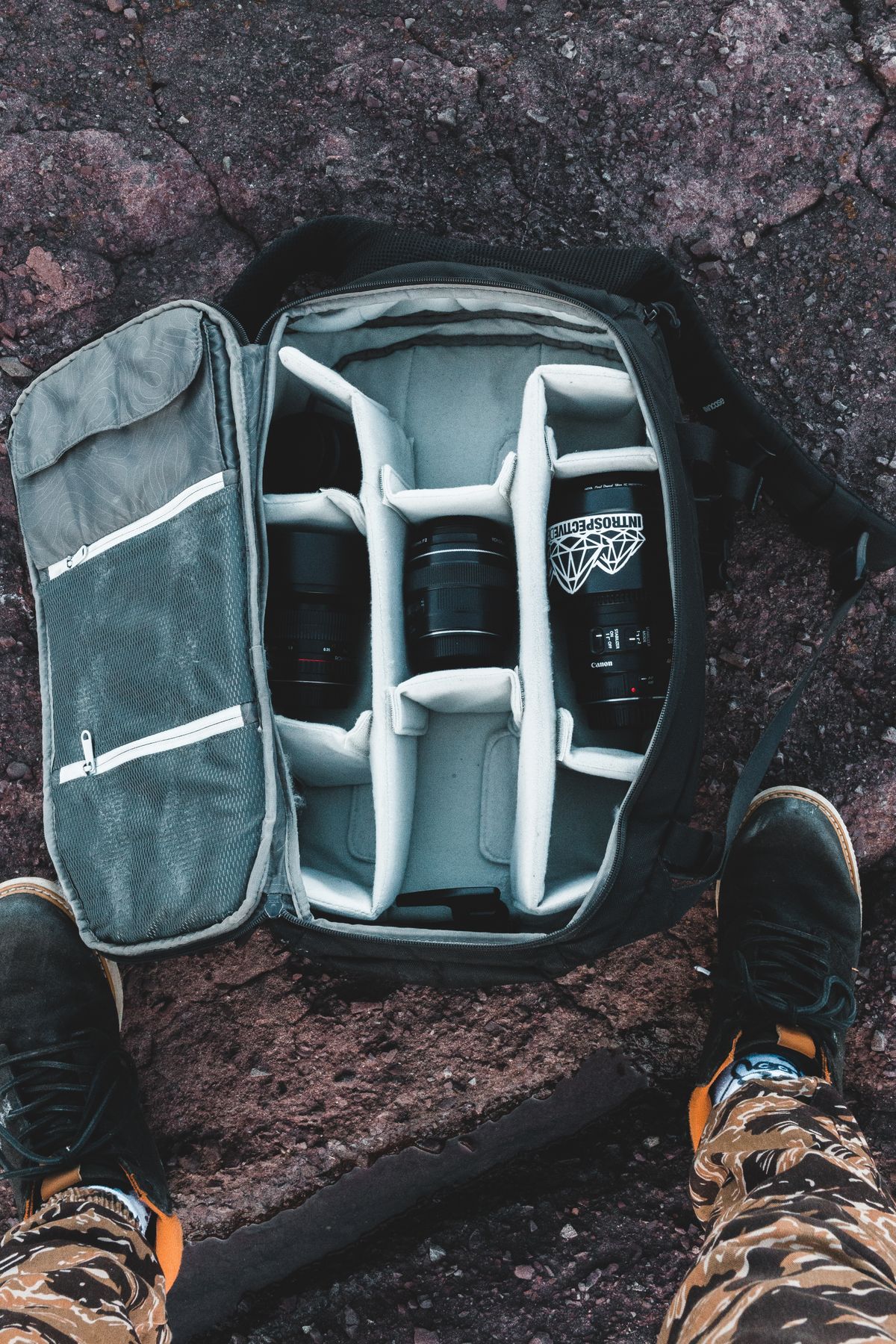
Store each lens in its own padded slot or a lens pouch rather than loose in a camera bag, where lenses can knock against each other during transit. Remove the battery if the camera won't be used for several days, since a fully charged battery left installed in a device that's not powering on regularly can develop a slower, unnoticed drain.
Drones
Batteries should travel in a fireproof LiPo-safe bag inside your carry-on, with terminal covers on to prevent accidental short-circuiting against loose metal objects like keys or coins. Propellers, if removable, should be packed separately to avoid warping under pressure.
Smartwatches and Fitness Trackers
These are small enough to get lost in a bag entirely. A dedicated small zip pocket, ideally the same one every trip, prevents the classic "I know it's in this bag somewhere" search at a gate.
Power Banks
Beyond the carry-on requirement covered above, keep power banks away from direct heat and avoid letting them sit at a full charge for extended periods in a hot bag. If you're looking to get more life out of the one you already own, our guide on how to make a power bank last longer covers charging habits that extend real-world battery lifespan.
Wireless Earbuds and Charging Cases
Earbud charging cases are small, which makes them easy to lose and easy to crush under heavier items in a bag. Keep the case in a rigid or semi-rigid pouch, and if fit has ever been an issue for you on long flights or workouts, it's worth reading our separate breakdown of why wireless earbuds keep falling out and how to fix it, since a poor fit tends to get worse, not better, with the movement of travel.
Comparison: Travel Tech Organizer Types
Most frequent travelers end up combining two or three of these rather than relying on one. A laptop sleeve inside a backpack, paired with a small roll-up cable organizer and a padded pouch for the phone and earbuds case, covers nearly every common failure point without adding much bulk.
Common Packing Mistakes That Damage Gadgets
- Charging to 100% right before departure. A small habit change (charging to 50–80%) reduces long-term battery stress with zero downside for a normal travel day.
- Packing a laptop in checked luggage to save carry-on space. This is the single most avoidable cause of major travel electronics damage, and most airline damage policies explicitly exclude checked-bag electronics.
- Letting cables tangle loose in the bottom of a bag. Every yank to free a tangled cable stresses the connector, which is the weakest point of any cable.
- Skipping the acclimation window after temperature changes. Plugging in a device the moment you step from a cold jet bridge into a humid terminal is one of the more common (and completely avoidable) causes of internal moisture damage.
- Using a single "junk drawer" pocket for everything electronic. Loose devices knocking against each other is a leading cause of hairline scratches and dented corners that don't show up until you look closely weeks later.
- Forgetting a destination voltage or plug adapter. This leads travelers to buy a cheap, sometimes poorly made adapter or converter at the last minute, which is itself a common source of charging port damage from an ill-fitting plug.
After You Land: A Quick Device Health Check
A short routine when you arrive catches small problems before they become expensive ones.
Two Minutes, Every Arrival
- Let devices sit sealed for 20–30 minutes if you've just come from a significantly different temperature or humidity level.
- Check charging ports for visible lint, sand, or moisture before plugging anything in.
- Glance over screens and corners for any new scuffs from transit, so you know whether a case needs reinforcing for the return trip.
- Recharge devices to a normal daily range rather than immediately maxing them out, especially if they sat at a low charge during a long travel day.
- Repack your tech organizer the same way you packed it originally — consistency is what makes the whole system reliable trip after trip.
Frequently Asked Questions
Should I pack my laptop in checked luggage or carry-on?
Keep your laptop in your carry-on whenever possible. Checked holds experience rougher handling, wider temperature swings, and pressure changes, and airlines typically exclude cargo-hold electronics damage from liability. Carry-on also protects against theft and lets you keep the device within reach for security screening.
What percentage should I charge my phone and laptop before flying?
Charge devices to roughly 50 to 80 percent before travel. This range keeps enough charge for security checks and normal use while avoiding the extra heat and cell stress that comes from sitting at a full 100 percent charge for hours in a bag.
Can power banks go in checked luggage?
No. Loose lithium-ion power banks and spare batteries are not allowed in checked luggage by TSA, FAA, and most international aviation authorities because of fire risk. They must travel in carry-on baggage only, and most airlines cap power banks at 100Wh without special approval.
How do I stop my phone from overheating on a hot car dashboard or beach bag?
Never leave a phone on a dashboard, in a parked car, or in direct sun for more than a few minutes. Lithium-ion batteries begin to degrade permanently above roughly 95°F (35°C). Keep devices in a shaded, insulated pouch, and if a device does overheat, let it cool at room temperature before charging or using it heavily.
Why does my camera or phone fog up after a flight or a cold-to-warm move?
Condensation forms when a cold device meets warm, humid air, similar to a cold glass sweating on a summer day. Let electronics sit sealed in their bag for 20 to 30 minutes after moving between temperature extremes so they can adjust gradually before you open them up or plug them in.
What is the best way to pack tangled charging cables for travel?
Loop each cable loosely (not tightly) and secure it with a velcro tie or silicone cable strap, then store it in its own labeled pouch or compartment rather than loose in a bag. Tight coiling and tangling stress the internal wire strands near the connector, which is the most common point of cable failure.
Bottom line: protecting your electronics while traveling isn't about buying more gear — it's about giving every device its own space, keeping batteries out of the checked hold, and letting devices adjust gradually to temperature changes instead of shocking them from one extreme to another. Build these habits once and they'll cover every future trip with almost no extra effort.