
Smart Home Setup for Beginners: A Practical IoT Guide That Actually Works
A smart home sounds simple until you start shopping for devices. One product says Wi-Fi, another says Thread, another says Matter, and another requires a separate hub. Then there are apps, voice assistants, sensors, cameras, smart plugs, automation routines and network settings to consider.
The good news is that you do not need to turn your house into a technology laboratory. A reliable smart home can begin with a few carefully selected devices and a sensible setup plan. The goal is not to fill every room with gadgets. The goal is to make everyday tasks easier while keeping your network reliable, your devices secure and your system easy to maintain.
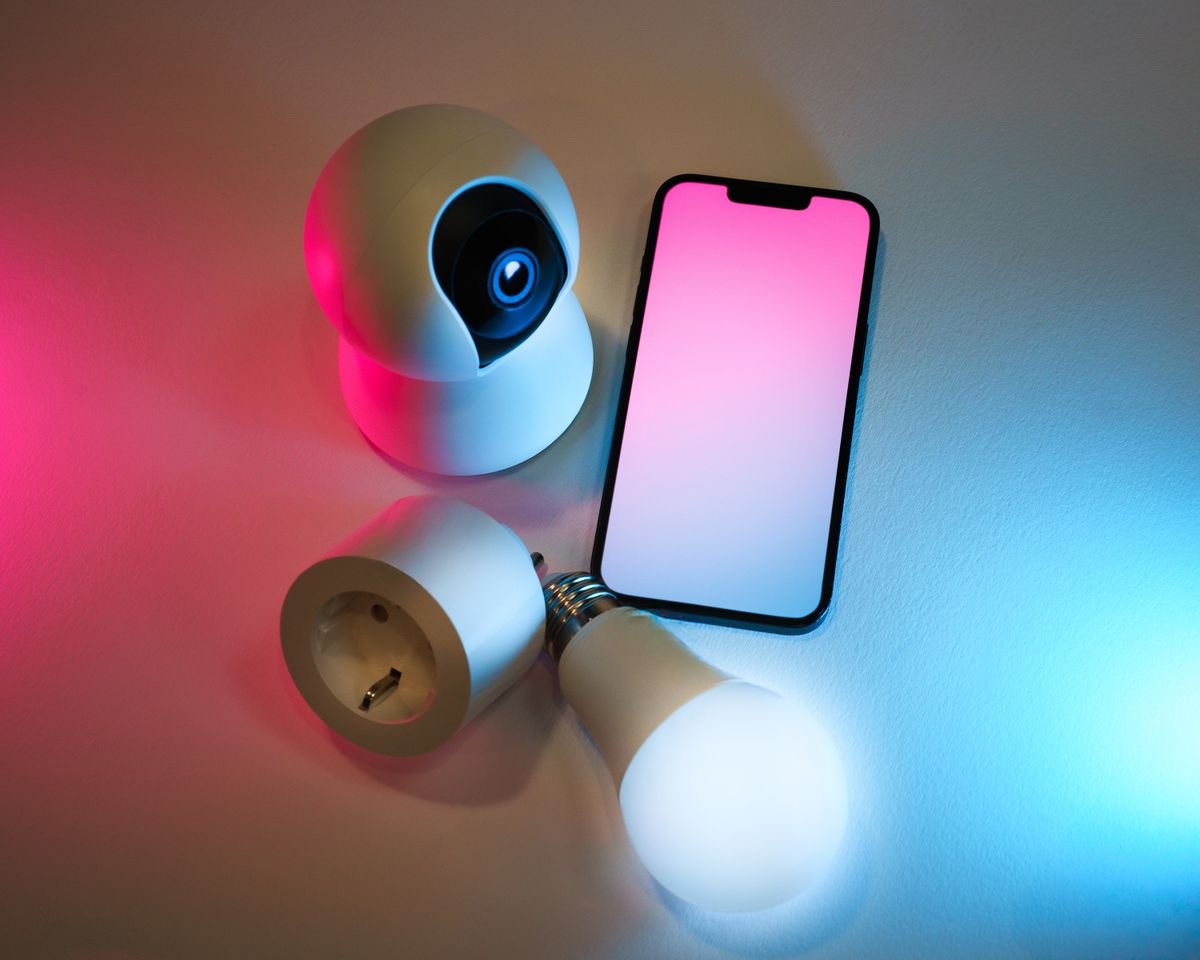
This guide explains the entire process in plain English. You will learn what IoT means, how Matter and Thread fit into a smart home, whether you actually need a hub, how to prepare your Wi-Fi, which devices make good first purchases, how to create useful automations, how to protect connected devices and how to troubleshoot common problems.
What Is a Smart Home?
A smart home is a home where connected devices can be monitored, controlled or automated through a network. Instead of operating every device independently, you can create relationships between them.
For example, a motion sensor could detect that someone has entered a hallway and trigger a light. A smart plug could turn a lamp off automatically at bedtime. A temperature sensor could provide information to an automation system that adjusts a compatible thermostat or air-conditioning controller.
The important distinction is that a smart home is not simply a collection of smart products. The real benefit comes from coordination.
Imagine walking into your home in the evening. Instead of manually switching on several lights, opening an application and checking individual devices, one scene could activate the lights you need, adjust selected appliances and put the home into an evening mode.
What Does IoT Mean?
IoT stands for Internet of Things. In simple terms, it describes physical objects that contain electronics, sensors, software and network connectivity so they can exchange information or respond to commands.
In a home, IoT devices can include smart bulbs, plugs, thermostats, locks, sensors, cameras, appliances, speakers, displays and environmental monitors.
Not every IoT device performs the same job. Some mainly collect information. A temperature sensor measures temperature. A motion sensor detects movement. A leak detector watches for water.
Other devices primarily perform an action. A smart switch controls electricity. A smart bulb changes lighting. A smart lock controls access.
The most useful systems combine both categories. A sensor provides information, the automation system interprets it and another device performs an action.
A Simple IoT Example
- A motion sensor detects movement.
- The smart-home platform receives the event.
- The system checks whether the condition is appropriate.
- A smart light turns on.
- After a defined period without movement, the light turns off.
That is the basic idea behind home automation. You are creating a chain of event → condition → action.
What to Do Before Buying Smart Devices
One of the most expensive smart-home mistakes is buying first and planning later. Start with the house rather than the product catalog.
1. Identify Your Main Problem
Perhaps your hallway lighting is inconvenient. Maybe you regularly forget to turn off appliances. Perhaps you want better visibility around your entrance. Or maybe you want simple voice control.
Write down three everyday annoyances. Those are better starting points than a list of popular gadgets.
2. Count Your Wi-Fi Dead Zones
Walk around your home while using your phone. Notice rooms where the connection is consistently weak or unstable.
A smart-home system cannot compensate for a badly designed network. Adding dozens of connected devices to an unreliable Wi-Fi environment can make troubleshooting much harder.
3. Decide Where You Want Control
Do you prefer a smartphone application, voice commands, physical switches, automations or a mixture?
A good system should not force you to use your phone for every tiny task. Physical controls remain useful, particularly for lights and frequently used appliances.
4. Think About Who Lives in the Home
A setup that makes perfect sense to a technology enthusiast may frustrate other family members. The best smart home is one that everyone can use without learning a complicated operating system.
Build a Reliable Smart Home Network
Your network is the foundation of an IoT home. Before worrying about advanced automations, make sure your basic connectivity is dependable.
Wi-Fi Is Still Important
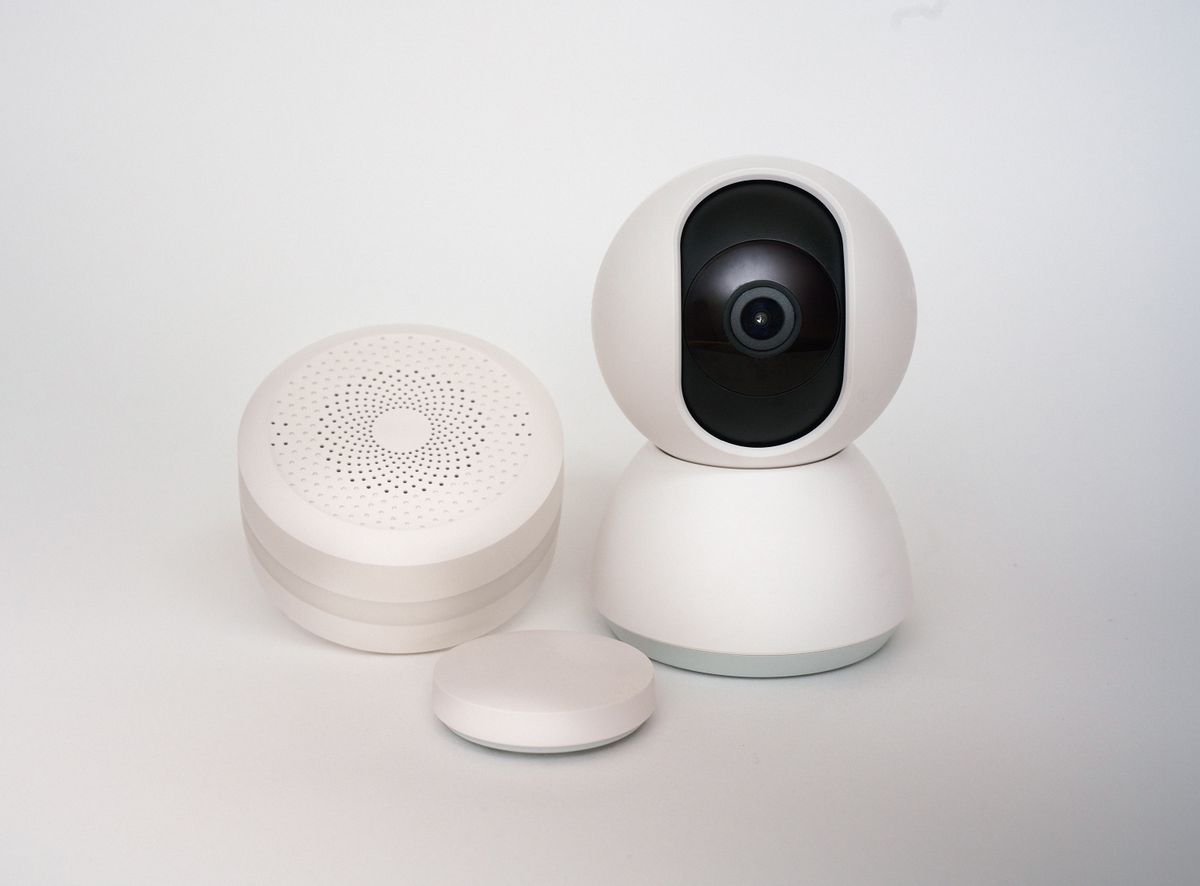
Wi-Fi is commonly used for devices that need more bandwidth or are permanently powered. Cameras, smart displays and some appliances may rely on Wi-Fi.
The objective is not necessarily to purchase the most expensive router available. Instead, aim for appropriate coverage, sensible placement and stable firmware.
Use Mesh Wi-Fi When Coverage Requires It
A large home may have areas where one router cannot provide reliable coverage. A properly configured mesh system can provide more consistent coverage than simply placing random repeaters around the house.
Keep the Network Organized
Advanced users may choose a separate network or VLAN for IoT devices. This can reduce the potential impact if a connected device is compromised.
Beginners do not necessarily need complicated networking equipment. The important point is to understand that smart devices are computers in miniature. They deserve the same security thinking as laptops and phones.
Choose Your Smart Home Ecosystem
An ecosystem is the environment through which you manage your smart devices. Common choices include platforms associated with Apple, Google, Amazon and Samsung, as well as more customizable systems.
There is no single ecosystem that is perfect for every household.
| Priority | What to Consider |
|---|---|
| Ease of use | Choose the platform your household already understands. |
| Voice control | Consider which voice assistant fits your existing devices. |
| Cross-platform compatibility | Look for Matter support where appropriate. |
| Privacy | Review what data devices collect and where processing occurs. |
| Local control | Consider whether important automations can operate locally. |
| Expansion | Check whether the platform supports the device types you may need later. |
Do not select an ecosystem solely because one particular gadget is popular. Think about what your home may look like two or three years from now.
What Is Matter and Why Does It Matter for Smart Homes?
Matter is a smart-home connectivity standard designed to improve interoperability between compatible devices and smart-home platforms. It is not itself the same thing as Wi-Fi or Thread.
Matter can operate over technologies such as Wi-Fi, Ethernet and Thread. Its purpose is to give compatible smart-home products a common application-level language.
This is particularly useful for people who do not want their entire home tied permanently to one manufacturer's ecosystem.
Google explains that Matter can provide local communication over a home's network, and that Matter devices can be controlled through supported smart-home platforms. Google also notes that a Matter-enabled hub is needed for Google Home's Matter functionality. :contentReference[oaicite:1]{index=1}
In practical terms, the Matter logo can be a useful compatibility signal when choosing new devices. However, always check the exact device capabilities rather than assuming that every feature works identically across every platform.
Matter Is Not a Magical Compatibility Button
This is an important distinction for beginners. Matter improves interoperability, but device features can still vary between platforms.
A basic light may work almost identically everywhere, while advanced features, sensors or manufacturer-specific functions may require the company's own application.
What Is Thread?
Thread is a low-power wireless mesh networking technology designed for connected devices. It is particularly useful for smaller devices such as sensors, locks and other products that do not need the bandwidth of a camera.
Thread and Matter are often mentioned together, but they are different technologies. Thread provides a networking layer, while Matter provides a common smart-home application protocol.
The Thread Group describes Thread as a secure, low-power IPv6 mesh network and identifies it as a foundational networking layer for Matter. :contentReference[oaicite:2]{index=2}
One advantage of a mesh design is that devices can participate in a network where communication does not depend on a single point-to-point connection in the same way as a basic wireless setup.
For battery-powered devices, lower power requirements can also be useful. Wired or mains-powered devices may play an important role in maintaining a Thread network depending on the specific implementation.
Thread in Simple Language
If Wi-Fi is the main road your phone uses, Thread can be thought of as a smaller, efficient neighborhood network designed for many low-power smart-home devices. A Thread Border Router connects that Thread network to the broader home network.
This is why checking the complete connectivity requirements of a device is more useful than simply seeing the word “Thread” on a product box.
Do You Need a Smart Home Hub?
Sometimes yes, sometimes no.
A hub or controller can coordinate devices, manage automations and connect technologies that would otherwise not communicate directly.
Some modern ecosystems include controller functionality inside devices that you may already own, such as certain smart displays, speakers or media devices.
Google notes that Matter-enabled Google Home setups require a compatible Matter hub for adding and controlling Matter devices, including local control and remote access functionality. :contentReference[oaicite:3]{index=3}
When a Hub Is Particularly Useful
- You have many devices from different categories.
- You want advanced automations.
- You use Thread devices.
- You want centralized management.
- You want to reduce dependence on individual manufacturer apps.
- You want more sophisticated local automation.
If you only need one or two simple Wi-Fi products, a dedicated hub may be unnecessary. Start with your requirements rather than buying a hub because every smart-home article says you need one.
Best Smart Home Devices for Beginners
The best first devices are usually inexpensive, easy to understand and capable of demonstrating a real benefit.
1. Smart Bulbs
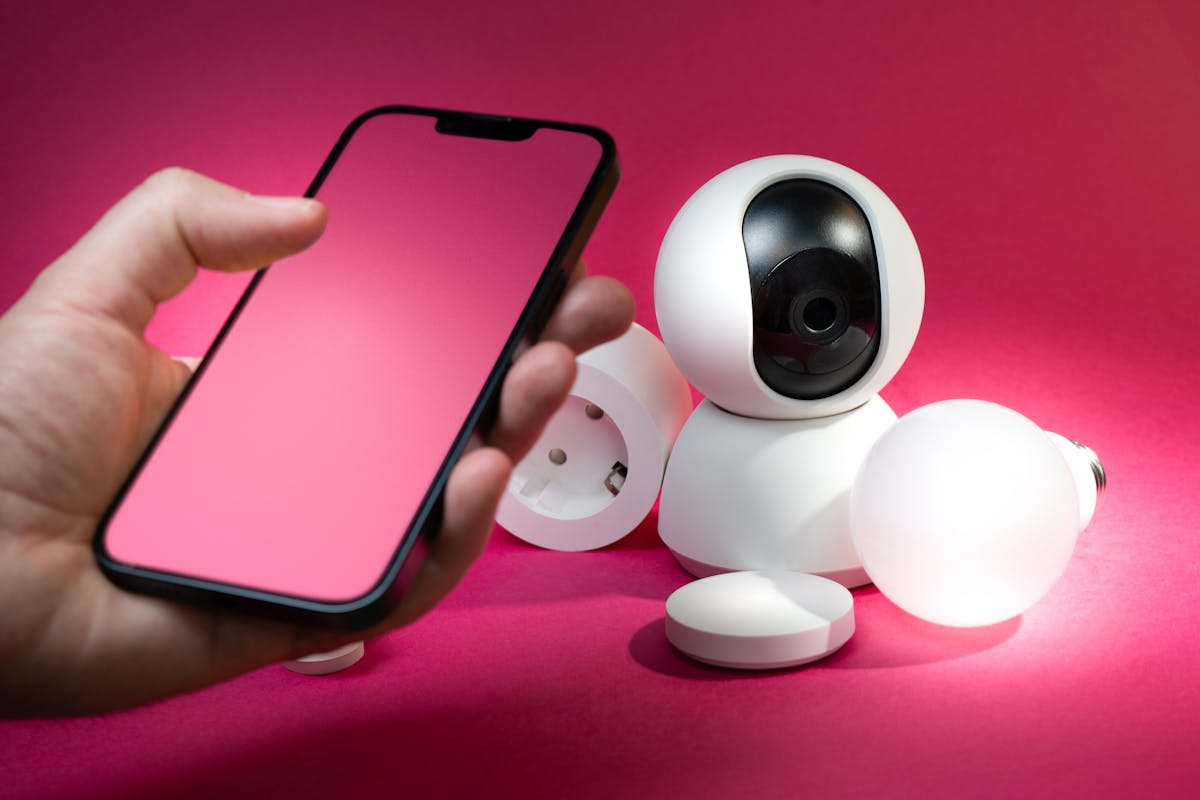
Smart bulbs are popular because they provide an immediate visual demonstration of automation. You can schedule them, dim them or include them in scenes.
However, smart bulbs can create a practical problem: if someone turns off the physical wall switch, the bulb loses power and cannot respond.
For frequently used lights, smart switches may sometimes provide a better experience because the physical control remains available.
2. Smart Plugs
Smart plugs are useful for compatible lamps and appliances that should simply be switched on or off.
Never use a smart plug beyond its rated electrical specifications. High-power appliances deserve particular attention, and a smart plug does not automatically make an unsafe appliance safe.
3. Motion Sensors
Motion sensors are small but extremely useful. They can trigger lighting, notifications or other automations.
Placement matters. A sensor pointed toward a busy doorway may detect constant movement and create unwanted triggers.
4. Door and Window Sensors
These sensors can tell you whether a door or window is open or closed. They can also become automation triggers.
5. Temperature Sensors
Temperature sensors can provide more precise information about individual rooms than relying on one central measurement.
6. Smart Cameras
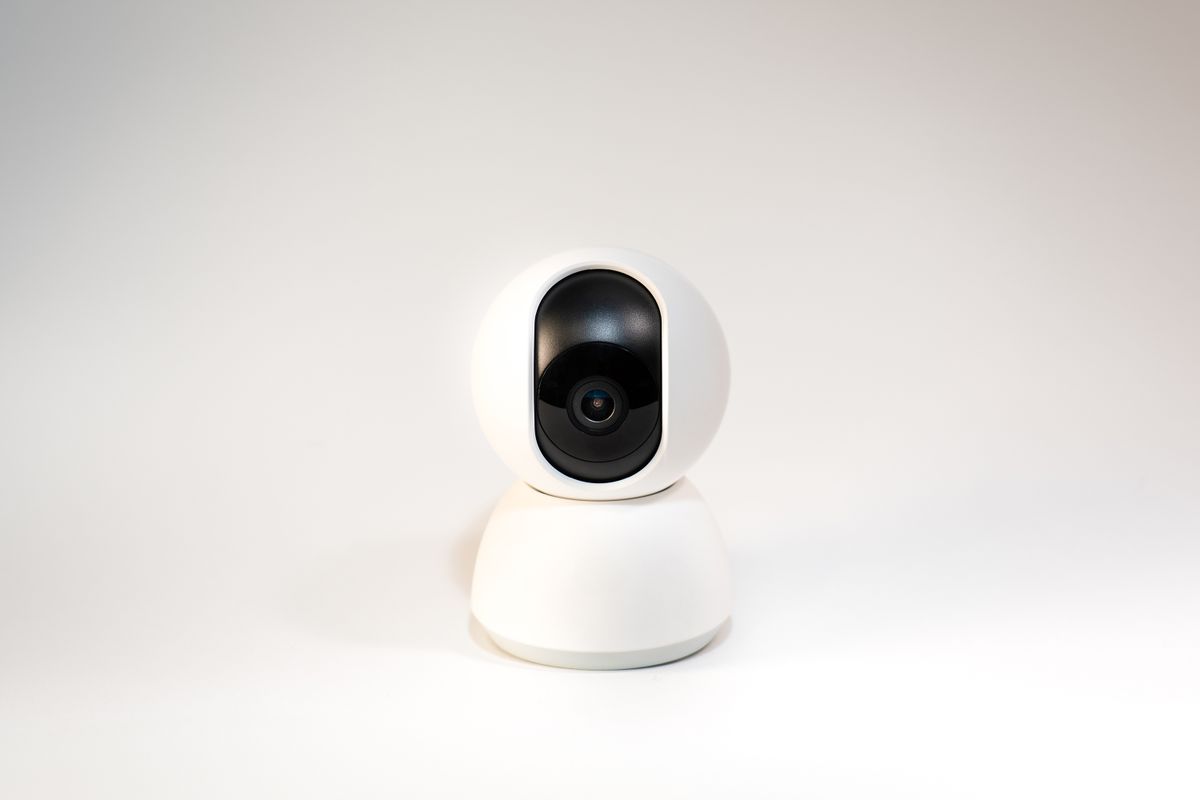
Cameras are useful but deserve more careful planning because they involve privacy, account security and potentially sensitive recordings.
7. Smart Speakers or Displays
A smart speaker can become a convenient voice interface for compatible devices. A display can additionally show cameras, timers, weather, reminders and other information.
Step-by-Step Smart Home Setup
Now that the concepts are clear, you can build your system in a controlled way.
Step 1: Stabilize Your Internet Connection
Check your router location, Wi-Fi coverage and connection stability. If your phone frequently disconnects in a room, do not expect dozens of smart devices in that room to perform perfectly.
Step 2: Choose Your Primary Platform
Select the ecosystem you expect your household to use most often. If several people use the home, prioritize simplicity over technical sophistication.
Step 3: Create Strong Accounts
Use unique passwords for important smart-home accounts. Where supported, enable multi-factor authentication.
Step 4: Update Devices Before Final Installation
A new device may have firmware updates available. Install them before building complicated automations.
Step 5: Add One Device at a Time
Resist the temptation to unbox everything at once.
Add one device, test it, rename it clearly and confirm that it works before moving to the next device.
Step 6: Use Clear Names
“Bulb 7” is a terrible automation name.
“Bedroom ceiling” is much better.
Use a consistent naming system such as:
- Living room ceiling
- Living room lamp
- Kitchen ceiling
- Front door sensor
- Bedroom temperature
- Hallway motion
Step 7: Create One Simple Automation
Start with something obvious, such as turning a hallway light on when motion is detected after sunset.
Step 8: Test the Automation
Do not assume an automation works because the application accepted the settings. Physically test it several times.
Step 9: Add Complexity Slowly
Once the basic automation is dependable, add conditions. For example, you might only activate the light when the home is occupied and the room is dark.
Useful Smart Home Automations for Beginners
Automation is where an ordinary collection of connected products becomes a genuinely useful smart home.
Automation 1: Entry Lighting
Trigger: Motion detected near the entrance.
Condition: It is dark.
Action: Turn on entrance lighting.
Delay: Turn it off after a suitable period.
Automation 2: Bedtime Scene
A bedtime scene can turn selected lights off, adjust compatible devices and confirm that doors or windows are in the desired state.
Automation 3: Away Mode
When everyone leaves, selected lights can turn off and appropriate devices can switch to an energy-saving or monitoring state.
Automation 4: Morning Lighting
Instead of using maximum brightness immediately after waking, gradually increasing lighting can create a more comfortable morning routine.
Automation 5: Leak Detection
A water sensor can trigger an alert when unexpected moisture is detected. This is a good example of an IoT device providing information rather than simply controlling a gadget.
Automation 6: Forgotten Appliance Reminder
If a compatible smart plug or appliance reports its state, the system may be able to alert you when something remains powered longer than expected.
Smart Home Security and Privacy
Convenience should never come at the cost of basic security.
Use Unique Passwords
Do not reuse your email password for a smart-home account. If one service suffers a credential leak, reused passwords can expose other accounts.
Enable Multi-Factor Authentication
If the platform supports multi-factor authentication, enable it for accounts that control sensitive devices.
Update Firmware
Firmware updates can include security improvements and bug fixes. Check your devices periodically rather than ignoring update notifications.
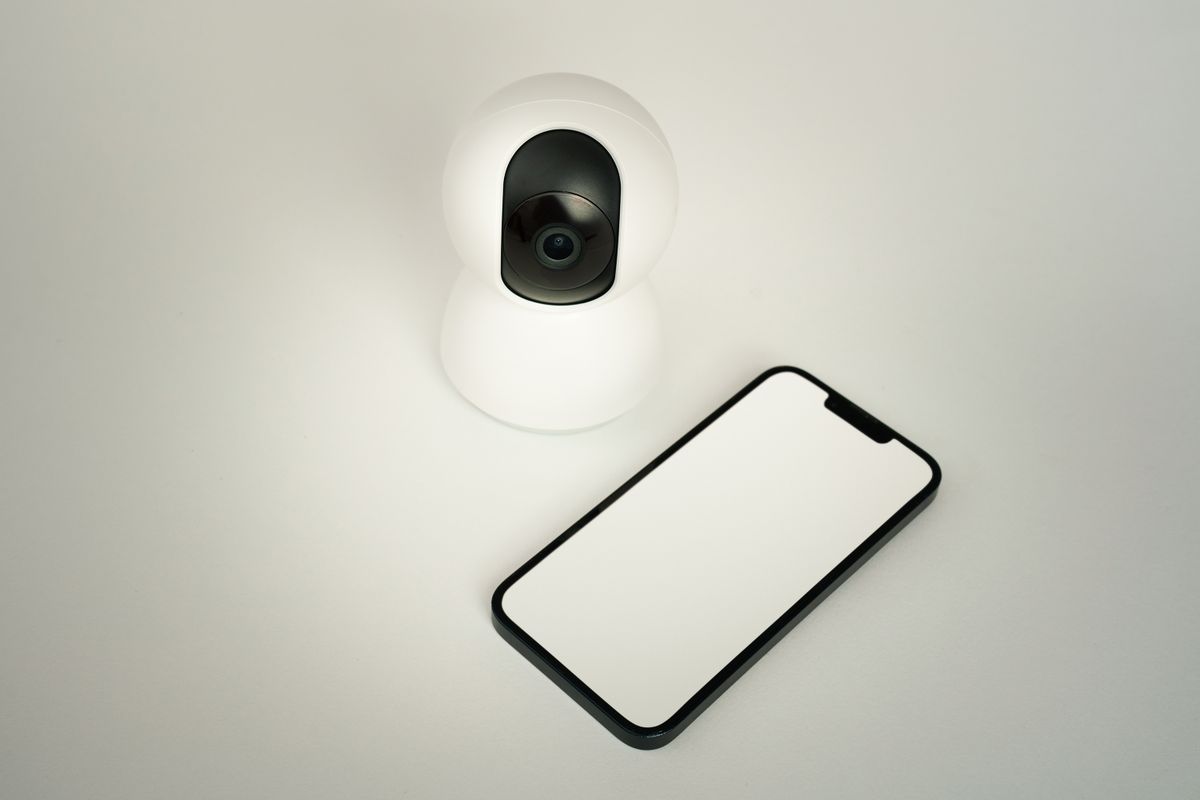
Think Carefully About Cameras
Avoid placing cameras in locations where recording would unnecessarily expose private activities. Review who can access recordings and how long recordings are retained.
Review Cloud Dependence
Ask whether a device continues to perform essential functions if the internet connection disappears.
Some devices depend heavily on cloud services, while other systems can perform certain operations locally. Neither model is automatically right for everyone, but understanding the difference helps you make informed decisions.
Using IoT to Reduce Unnecessary Energy Use
A smart home does not automatically save energy. A badly designed automation can actually waste energy.
The benefit comes from reducing unnecessary operation.
For example, lights can be switched off when rooms are empty. Certain appliances can be scheduled according to your routine. Environmental sensors can provide information that helps you identify unusual conditions.
Smart monitoring can also reveal habits that are difficult to notice manually. If a device consumes power continuously, measurement can help you decide whether that behavior is worth changing.
Do Not Automate Everything
Some appliances should remain manually controlled. A smart system should reduce friction, not create anxiety about whether an automation has done something unexpected.
Troubleshooting Common Smart Home Problems
Problem: The Device Will Not Connect
First check whether your phone has a reliable connection in the installation location. Confirm the device is receiving power and follow the manufacturer's reset and pairing instructions.
Problem: The Device Works Sometimes
Intermittent behavior often points to connectivity, interference, network configuration or firmware issues.
Avoid changing five things at once. Change one variable, test the device and record what happened.
Problem: Automation Does Not Trigger
Break the automation into pieces:
- Is the sensor reporting correctly?
- Is the automation enabled?
- Is the condition preventing it from running?
- Is the target device reachable?
- Is there a schedule restriction?
Problem: Smart Bulb Appears Offline
Check whether someone turned off the physical power switch. A smart bulb cannot communicate when it has no electricity.
Problem: Voice Command Fails
Test the device from the application's interface first. If manual control works but voice control does not, the problem may be related to account linking, device naming or assistant synchronization rather than the device itself.
Smart Home Mistakes to Avoid
Mistake 1: Buying Everything at Once
A huge first purchase makes troubleshooting difficult. Start small.
Mistake 2: Ignoring Compatibility
Never assume that a product works with your preferred ecosystem simply because it is described as “smart.”
Mistake 3: Confusing Matter With Wi-Fi
Matter is not simply another Wi-Fi standard. It is an application-level standard designed to improve interoperability across supported smart-home platforms.
Mistake 4: Using Weak Passwords
A smart camera or door-related device should not be protected by an easily guessed password.
Mistake 5: Creating Too Many Automations
Five reliable automations are better than fifty unpredictable ones.
Mistake 6: Forgetting Manual Controls
Your smart home should remain usable by someone who does not own your phone, know your automation rules or enjoy technology.
Mistake 7: Buying Cheap Devices Without Checking Support
The purchase price is only part of the cost. Consider firmware support, compatibility, warranty, privacy practices and the quality of the companion application.
Smart Home Setup Checklist
Before Buying
- ☐ Identify the problem you want to solve.
- ☐ Check Wi-Fi coverage.
- ☐ Choose your primary ecosystem.
- ☐ Check device compatibility.
- ☐ Understand whether a hub is required.
- ☐ Check whether Matter is supported if cross-platform compatibility matters.
- ☐ Check whether Thread is required.
During Installation
- ☐ Update device firmware.
- ☐ Give devices clear names.
- ☐ Place sensors carefully.
- ☐ Test every device individually.
- ☐ Test physical controls.
After Installation
- ☐ Create one simple automation.
- ☐ Test the automation repeatedly.
- ☐ Enable account security features.
- ☐ Review camera privacy settings.
- ☐ Keep firmware updated.
- ☐ Document important device names and locations.
How to Build a Smart Home Gradually
You do not need to convert an entire house in one weekend.
A staged approach is often better because it gives you time to discover what actually improves your routine.
Stage One: One Room
Choose the room you use most. Add one or two devices and create one automation. Live with the setup for several days.
Stage Two: Improve the Network
If the first stage exposes connectivity weaknesses, solve those before expanding.
Stage Three: Add Sensors
Sensors often provide more automation opportunities than buying additional remotely controlled appliances.
Stage Four: Connect More Rooms
Once your naming system, ecosystem and automation style are established, expansion becomes easier.
Stage Five: Review the System
Every few months, remove devices and automations that you no longer use. A smart home should become simpler over time, not more confusing.
How to Future-Proof Your Smart Home
Nobody can predict exactly which products will dominate the smart-home market years from now. You can, however, reduce unnecessary lock-in.
Prefer Open Standards Where Practical
Matter is designed to improve interoperability, while Thread provides a low-power mesh networking foundation for compatible devices.
Do Not Depend on One Manufacturer for Everything
A single-vendor system can be convenient, but diversification can make it easier to replace individual components.
Keep a Record of Your Setup
Maintain a simple private list containing device names, room locations, account information and important configuration details. Never publish passwords or security credentials.
Prefer Devices With Clear Update Policies
Smart-home hardware can remain physically functional for years. Its usefulness also depends on software support.
Apartment vs. House: Does the Setup Change?
Yes. The physical structure of your home influences your strategy.
An apartment may require fewer networking nodes but may have stronger interference from neighboring wireless networks. A larger house may require better coverage planning, especially across multiple floors.
Renters also need to consider installation restrictions. Wireless sensors, smart bulbs and plug-in devices can be easier to install without modifying walls or electrical wiring.
Homeowners planning a renovation may have additional options, including wired networking and professionally installed control systems.
The correct strategy is therefore not “wireless is always better” or “wired is always better.” It depends on the building, budget, permanence and desired level of automation.
What Should Your First Smart Home Automation Be?
For most beginners, the ideal first automation is simple enough that you can immediately understand whether it worked.
A motion-triggered hallway light is a good example. It has an obvious trigger, an obvious action and an obvious benefit.
Another good first project is a bedtime scene that turns off selected lights.
Once you understand triggers, conditions and actions, more advanced automations become much easier to design.
Why a Simple Smart Home Often Beats a Complicated One
Technology is useful when it disappears into the background.
If you have to open three applications every evening to make your home behave normally, the system has probably become too complicated.
The best automations are predictable. They should perform a task you would otherwise repeat manually.
Good smart-home design therefore involves restraint. Instead of asking, “What else can I automate?” ask: “What repetitive task is genuinely worth automating?”
A Practical Example: Building a Beginner Smart Home
Consider a fictional apartment where the resident wants three improvements: easier evening lighting, better awareness of the front door and fewer forgotten lights.
The first step would be improving network coverage.
Next, the resident could choose a compatible smart-home platform and add a controller if required.
The first devices could include a smart light, door sensor and motion sensor.
The first automation might turn the hallway light on after sunset when movement is detected.
The second could provide a notification when the front door opens under selected conditions.
The third could turn selected lights off at bedtime.
Notice what is missing: dozens of gadgets.
The system solves the original problems without creating a maintenance project.
Frequently Asked Questions About Smart Home Setup
Do I need Wi-Fi for a smart home?
Many smart-home systems use Wi-Fi, but not every smart device communicates directly over Wi-Fi. Technologies such as Thread, Zigbee and other networking methods can also be used depending on the product and ecosystem.
Is Matter the same as Thread?
No. Matter is an application-level smart-home standard, while Thread is a low-power mesh networking technology. Matter can use Thread as one of its networking options.
Do all Matter devices require Thread?
No. Matter can operate over different network technologies, including Wi-Fi, Ethernet and Thread. The exact requirements depend on the device.
Is a smart home expensive?
It can be inexpensive to start. A beginner can begin with a small number of devices and expand gradually. The most important investment is usually planning and compatibility rather than buying the largest possible collection of gadgets.
Can I create a smart home without replacing my appliances?
Often yes. Smart plugs, compatible controllers, sensors and retrofit devices can add connected functionality without replacing every appliance.
Are smart bulbs better than smart switches?
Neither is universally better. Smart bulbs are convenient for color, dimming and lighting effects. Smart switches can be more convenient when physical wall control is important.
Can smart-home devices work without the internet?
It depends on the device and system. Some functions may continue locally, while other products rely heavily on cloud services. Check the manufacturer's documentation before assuming that an automation will work during an internet outage.
Are smart cameras safe?
Security depends on the product, account protection, software updates, network configuration and privacy settings. Treat cameras as sensitive connected devices and secure the associated account carefully.
What is the easiest smart-home device for a beginner?
A smart bulb, smart plug or simple sensor can be a good first project because each has an obvious purpose and is relatively easy to understand.
How many smart devices should I buy initially?
There is no universal number. Start with enough devices to solve one real problem. Expand only after the first part of your system is stable.
Final Thoughts: Build a Smart Home Around Your Life
A successful smart home is not measured by how many devices appear in your phone application. It is measured by how naturally the technology fits into everyday life.
Start with your network. Choose a sensible ecosystem. Understand the difference between Wi-Fi, Thread and Matter. Check compatibility before purchasing. Add a few useful devices. Create simple automations. Secure your accounts. Then expand slowly.
The most important lesson is simple: do not automate your house just because you can. Automate the things that genuinely save time, improve convenience, provide useful information or help you manage your home more intelligently.
Matter and Thread are making the smart-home landscape easier to understand, but good planning remains more important than any individual technology. Google's documentation describes Matter as a way to improve compatibility, simplify setup and support local communication on supported networks. :contentReference[oaicite:4]{index=4} Thread is likewise designed as a low-power mesh technology for connected-home devices. :contentReference[oaicite:5]{index=5}
Your first smart-home project does not need to be impressive. It needs to be reliable. Once one small automation works every day without you thinking about it, you have already built the foundation of a genuinely useful IoT home.
Quick Reference: The Beginner Smart Home Formula
| Stage | Goal |
|---|---|
| 1. Network | Make connectivity reliable. |
| 2. Ecosystem | Choose how the household will control devices. |
| 3. Compatibility | Check Matter, Thread, Wi-Fi and hub requirements. |
| 4. First device | Solve one real problem. |
| 5. Automation | Create one simple event-condition-action routine. |
| 6. Security | Protect accounts, cameras and connected devices. |
| 7. Expansion | Add devices only when they provide genuine value. |