
How to Clean a Phone Screen Without Removing the Oleophobic Coating
Most people clean their phone screen the same way they clean their glasses: a quick rub with whatever is nearby. A shirt hem, a napkin, a squirt of hand sanitizer. It seems harmless, and for a while it is. Then one day the screen starts to feel a little grabby under your thumb, fingerprints show up faster than they used to, and the glass never looks quite clean no matter how hard you wipe.
What you're feeling is almost never the glass itself. It's the thin, slippery coating on top of the glass wearing thin. That layer is doing more work than you'd guess, and once it's gone you can't really get it back in its factory form. So the smartest move is to slow the wear down from day one.
This guide walks through how that coating works, how to check whether yours is still healthy, which everyday habits chew through it, and a simple cleaning routine that keeps a screen clear without scrubbing the good stuff away. Nothing here needs special gear beyond a couple of inexpensive cloths.
- What the oleophobic coating actually is
- How to tell if your coating is still working
- The habits that wear it out fastest
- The small kit worth owning
- A step-by-step cleaning routine
- Cleaning methods compared
- How often to clean what
- Edges, ports, speaker grills and camera glass
- Screen protectors and cases
- Can a worn coating be restored?
- Tablets, watches, laptops and TVs
- Small habits that make the coating last
- Frequently asked questions
What the oleophobic coating actually is
"Oleophobic" literally means oil-fearing. On a phone, it refers to an ultra-thin layer, usually fluorine-based, applied over the top of the cover glass. Its job is to make skin oil, sweat, and grease bead up and slide around instead of spreading into a smear. Manufacturers have been putting this kind of finish on touchscreens for well over a decade, and Apple was one of the first to make a big deal of it on the iPhone 3GS.
The important detail is how thin it is. We're talking about nanometers, thousands of times thinner than a human hair. That thinness is why it doesn't affect touch sensitivity or picture clarity, and it's also why it's fragile. A layer that thin isn't bonded like paint. It wears away through friction, the same way the tread on a tire does, only much faster.
A well-coated screen has two noticeable qualities. First, your finger glides across it with almost no drag. Second, fingerprints wipe off with a single pass instead of needing several. When the coating is worn, both of those get worse together, which is why a screen can feel "sticky" and look dirty at the same time.
It isn't the same as a screen protector or the glass hardness
People mix these up constantly. The glass (Gorilla Glass, Ceramic Shield, or similar) is what resists cracks and scratches. The oleophobic layer sits on top and handles smudges. A tempered glass protector adds a third layer, and it usually carries its own oil-resistant finish. Cleaning advice for one doesn't automatically apply to the others, but the safe approach, gentle and low-chemical, works for all three.
How to tell if your coating is still working
Before you change any habits, it helps to know where you stand. You don't need tools. These three checks take a minute in total.
The glide test
Wipe the screen clean, wash and dry your hands, then drag one fingertip slowly across the display. New or healthy coating feels almost frictionless. If you can feel a subtle drag, or your finger seems to "catch," especially in the areas you touch most, the coating in that zone has thinned.
The angled-light test
Turn the screen off and tilt the phone under a lamp or window. On healthy glass, the fingerprints you leave will look thin and faint, and a light wipe removes them. On worn glass you'll see thick, oily patches that smear rather than lift. Pay attention to where the smearing starts. It's often a perfect outline of your thumb's usual path, along the lower half of the screen and along the edge where you swipe up.
The water-bead test
Put a single, tiny droplet of water on the screen while the phone is off and lying flat. Fresh coating keeps the droplet rounded and lets it roll around easily. When the coating has worn away, the droplet flattens and clings. Blot it up immediately with a dry cloth, and don't try this near any openings.
The habits that wear it out fastest
Nobody sets out to damage their screen. The problem is that many "cleaning" habits are really just controlled abrasion. Here are the usual culprits, roughly in order of how much harm they do over time.
Dry-wiping over grit
This is the big one, and it's invisible. Fine dust and sand contain quartz particles, and quartz is harder than many people assume. Cover glass is commonly cited at around 6 on the Mohs hardness scale, while quartz sits at 7. So when you drag a dry cloth across a screen that has a bit of pocket dust on it, that dust is being pressed into the surface by your cloth. The coating goes first because it's the softest thing there. Over months, those micro-scuffs add up.
Paper towels and tissues
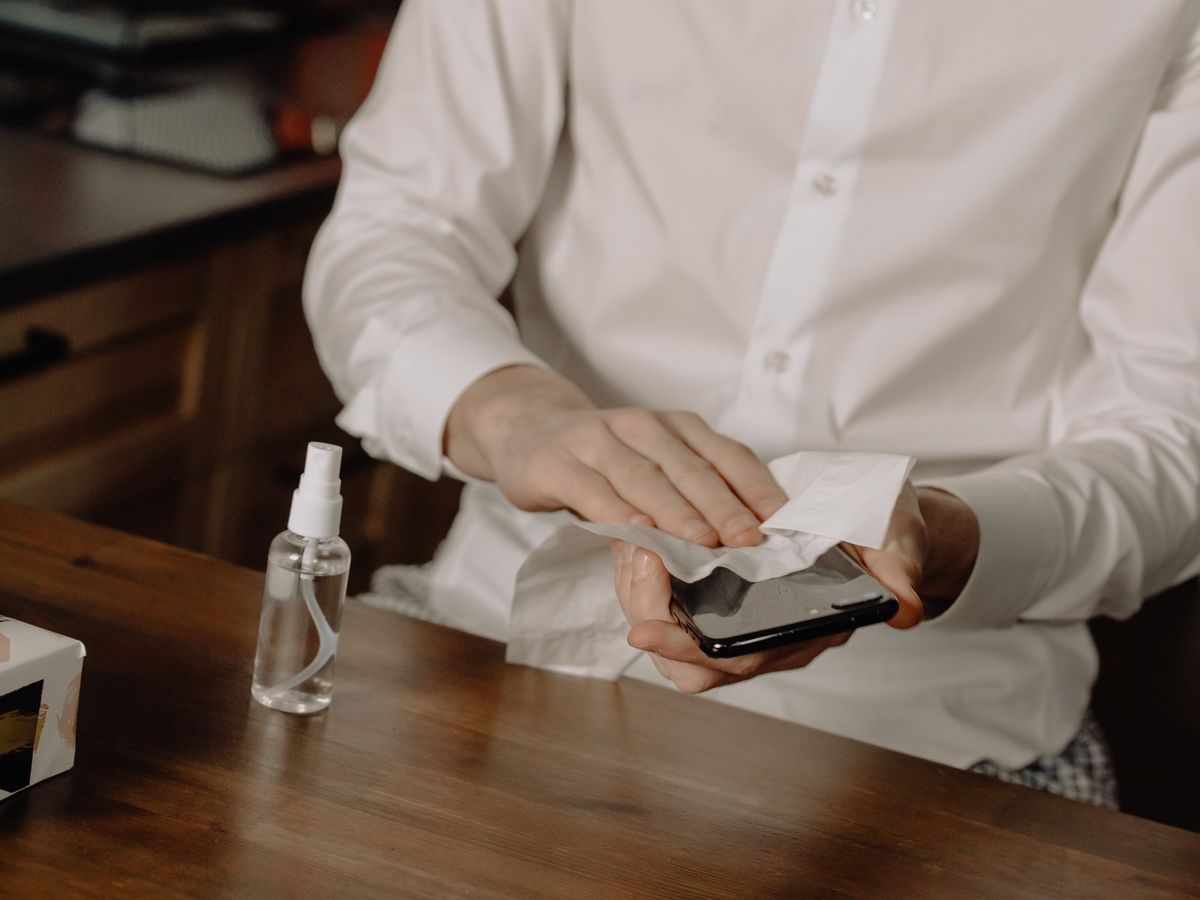
They feel soft, but they're made of short wood fibers that can be surprisingly abrasive on delicate coatings, and they leave lint behind. A paper towel is fine for a kitchen counter. It's a poor choice for a surface with a coating measured in nanometers.
Hand sanitizer and alcohol-heavy wipes
Everyone got into the habit of spraying everything during the last few years, phones included. Alcohol is a solvent, and repeated exposure tends to speed up how quickly a fluorinated finish breaks down. Many sanitizers also contain fragrances, gels, and moisturizers, which leave a film that makes the screen look worse afterward. Occasional disinfecting with an approved wipe is fine, but daily use is a different story.
Glass cleaner, vinegar, and household sprays
Window cleaners often include ammonia and other solvents. Vinegar is acidic. Neither was designed for a phone, and the "it works on my windows" logic doesn't carry over. Phone makers have long advised against aerosol sprays, ammonia-based products, and abrasive cleaners, and that advice is worth following.
Rubbing too hard
Pressure matters as much as the material. A firm circular scrub concentrates friction in tiny areas. Light, straight passes lift oil without grinding anything into the surface.
Hand lotion, sunscreen, and food residue
These don't damage the coating directly, but they coat it in a thicker oily film than normal skin oil, and the clumsy wiping that follows does the harm. If you've just used lotion or eaten something greasy, wash your hands before you touch the phone. It sounds fussy, but it saves a lot of scrubbing later.
Pockets and bags
A phone that shares space with keys, coins, or a gritty bag lining takes a beating that no cleaning routine can undo. Even a pocket alone adds friction, especially if the screen faces the fabric. If you can, carry the phone screen-inward or use a case with a raised lip.
The small kit worth owning
You can build a proper screen-care kit for the price of a sandwich. Here's what actually earns its spot.
- Two or three plain microfiber cloths. Soft, tight-weave, and lint-free. Keep one for damp cleaning and one for dry buffing. A plush kitchen or car microfiber cut into a pocket-size square works just as well as the little ones bundled with screen kits.
- A small hand blower or soft brush. A camera-style rocket blower or a clean, soft makeup brush clears grit before the cloth ever touches the glass. Avoid canned compressed air held close to the screen, since it can spray cold propellant.
- Distilled water in a tiny spray bottle. Tap water leaves mineral spots. A travel-size bottle costs almost nothing.
- Optional: 70% isopropyl wipes. Keep a few for real disinfecting moments, not for routine wipes.
- A wooden or plastic pick and a soft interdental brush. For edges and grills, used gently. Never metal.
Looking after the cloths themselves
A dirty cloth is a sandpaper strip in disguise. Wash microfiber every couple of weeks with mild detergent and skip the fabric softener, which clogs the fibers and leaves streaks. Let them air dry, keep them in a zip bag or a clean pocket, and replace any cloth that feels stiff, looks matted, or has been dropped on the floor.
A step-by-step cleaning routine
This is the sequence to use whenever the screen looks properly grubby. It takes about two minutes, and once it's a habit you won't think about it.
- Power down and disconnect. Turn the phone off and unplug any cable. A dark screen also shows smudges much more clearly, so you'll know when you're done.
- Take the case off. Grit hides between the case and the phone, and it migrates onto the screen while you wipe.
- Remove loose grit first. Use the hand blower or a soft brush across the glass, working from the center outward. This step matters more than any product you'll ever buy.
- Start dry. Fold a clean microfiber into a flat pad and make a few light, straight passes. Often, that's all a lightly used screen needs.
- Dampen a corner of the cloth, not the phone. Give the cloth one or two mist sprays of distilled water. It should feel barely damp, not wet. If you can squeeze a drop out of it, it's too wet.
- Wipe in straight lines. Go top to bottom, then side to side, with almost no pressure. Circles feel natural but tend to drag residue around.
- Buff dry immediately. Switch to the dry cloth and finish before the moisture evaporates on its own, which is when streaks appear.
- Check under angled light. If a smudge remains, repeat with the damp corner instead of pressing harder.
- Clean the case separately. Wipe the inside of the case before you put it back, otherwise you've just moved dirt back onto the phone.
Cleaning methods compared
Not every method carries the same risk. This table sums up what you'll typically encounter and how it tends to affect the coating over time. Manufacturers' own instructions always take priority over a general guide like this one.
| Method | Effect on coating | Best use |
|---|---|---|
| Dry microfiber (after clearing grit) | Very gentle | Daily wipe for fingerprints |
| Microfiber lightly dampened with distilled water | Gentle | Weekly clean, stubborn smudges |
| Microfiber with a drop of mild, fragrance-free soap solution | Mostly gentle, needs a rinse-wipe | Sticky or oily residue |
| 70% isopropyl alcohol wipe | Tends to accelerate wear with repeated use | Occasional disinfecting only |
| Hand sanitizer | Harsh, leaves film | Avoid |
| Glass cleaner or vinegar | Harsh, not designed for phones | Avoid |
| Paper towel or tissue | Abrasive, leaves lint | Avoid |
| Shirt hem | Fine occasionally, but traps grit | Emergency only |
How often to clean what
Over-cleaning wears the coating just as surely as neglect does. The trick is matching the effort to the situation. Here's a simple schedule that works for most people.
| Frequency | What to do | Why |
|---|---|---|
| Daily (as needed) | One or two dry microfiber passes | Removes fresh oil before it bakes on |
| Weekly | Blow off grit, then a slightly damp wipe and dry buff | Resets the surface without chemicals |
| Every two to four weeks | Remove case, clean edges, camera glass and the case interior | Stops hidden grit and grime building up |
| After sickness, gyms, or public transport | Optional disinfecting wipe, followed by a damp wipe | Hygiene when it genuinely matters |
| Every few weeks | Wash your microfiber cloths | Dirty cloths scratch and smear |
Edges, ports, speaker grills and camera glass
The screen is only part of the picture. Half the grime on a phone lives in the spots your cloth never reaches, and it slowly finds its way back onto the glass.
The frame and screen edges
Run a slightly damp cloth wrapped around a fingertip along the metal or plastic frame, then use a dry pad to finish. Where the glass meets the frame, a soft brush pulls out pocket lint that a cloth just smears in.
Speaker grills and microphone holes
Use a soft, dry brush, or a clean interdental brush, with light strokes. Never push liquid in. If you use a wooden or plastic pick, go slowly and don't jam it into the mesh. Pushing debris deeper is the usual reason speakers begin to sound muffled after a "cleaning."
Charging ports
Lint from pockets collects in the port and can stop a cable from seating properly. A wooden or plastic pick, used very gently with the phone off, clears it. Avoid metal tools, which can damage the contacts. If a charging problem seems connected to heat rather than lint, our guide on why a phone overheats while charging covers what to check.
Camera lenses
Camera glass often carries its own oil-resistant finish, which is why fingerprints on lenses show up so obviously in photos. Use a clean, dry microfiber, or a lens cloth if you own one, and don't press. If your photos look hazy for no reason, a greasy lens is the first thing to rule out. It's a five-second fix that people skip surprisingly often.
Screen protectors and cases
A protector is one of the smartest ways to protect the factory coating, because it takes the abuse instead. But it changes how you should think about cleaning.
Tempered glass protectors
Most tempered glass protectors ship with their own smudge-resistant layer. Quality varies widely. Cheap ones can smear from day one, and even good ones lose their slickness over time. The upside is obvious: when it's worn out, you peel it off and apply a new one, and your phone's original coating underneath is still intact. For a lot of people, that trade is worth it.
Plastic film protectors
Soft film protectors can show fine scratches more easily and often feel different under the finger. They're cheap and forgiving of drops, but the same gentle-cleaning rules apply. Avoid alcohol on them, since some films cloud or peel at the edges.
Matte and privacy protectors
Matte finishes trap oil in their texture, so they can look grubby faster. Clean these with the same damp-then-dry method, but expect to replace them sooner than you would a smooth glass protector.
Cases
A case with a slightly raised front lip keeps the screen from touching a table when you set the phone face down. Clean the inside of the case regularly, because fine grit trapped inside will keep rubbing against the back and edges of the phone.
Can a worn coating be restored?
Honestly, not really, at least not to how it left the factory. Here's what you can realistically do.
- Replace a protector. If your screen has a protector, swapping it gives you a fresh oleophobic surface for a few dollars. It's the cheapest fix by far.
- Try a consumer liquid coating. Kits marketed for restoring oil-resistant finishes exist. Results vary, and durability is often measured in weeks or a few months rather than years. Follow the instructions exactly and don't apply anything to cracked glass. I can't vouch for any particular brand, so read independent reviews before buying.
- Use a service. Some repair shops offer to recoat or replace the glass. That's rarely worth it purely for smudge resistance, though it can make sense if you're replacing a cracked screen anyway.
- Accept some wear. If the glass is undamaged and only the smudge resistance has faded, a bit of extra wiping is a perfectly reasonable cost.
Whatever you choose, treat the new surface better than the last one. Coatings applied after the factory typically don't bond as durably, so gentle habits matter even more the second time around.
Tablets, watches, laptops and TVs
The same principles apply across your other gadgets, with a few differences worth knowing.
Tablets
Tablets are basically big phones, and they're touched even more. Use the same routine, but expect fingerprints to be more noticeable because of the screen size. Kids' sticky hands are the biggest coating killer here, so a quick damp wipe after snack time saves a lot of trouble.
Smartwatches
Sweat, sunscreen, and soap collect around the glass and the sensor area on the back. Rinse according to your watch's water-resistance guidance, wipe with a soft cloth, and dry it fully. Check the maker's instructions before using any alcohol product, especially on bands.
Laptops and monitors
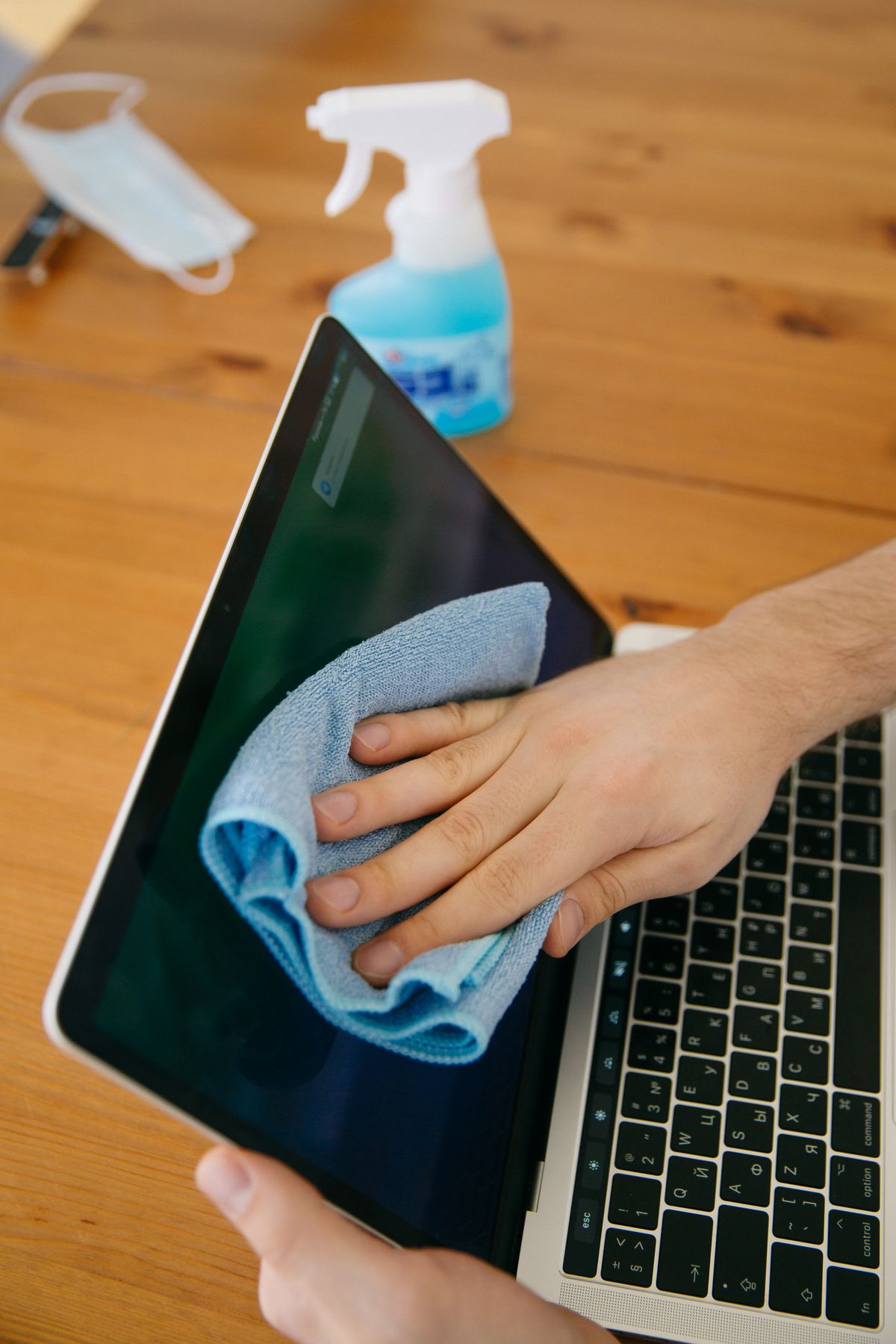
Many laptop screens don't have an oleophobic layer, but they do carry anti-glare or anti-reflective coatings that are just as delicate. Never spray liquid directly on them and avoid pressing on the panel. Dampen a microfiber cloth and wipe gently, since pressing on an LCD can leave pressure marks.
Televisions
TV panels are easy to mark permanently if you press too hard. Turn the TV off, let it cool, and use a dry microfiber first. If you must dampen, use distilled water on the cloth and go lightly. Skip glass sprays entirely.
Wireless earbuds and accessories
Earbuds have their own care needs, mainly around mesh grills and charging contacts, and it's a topic on its own. If you're dealing with a fit problem rather than a dirt problem, our guide to why wireless earbuds keep falling out is a better starting point.
Small habits that make the coating last
You don't need to become obsessive. A handful of simple habits are responsible for most of the difference between a screen that looks new after two years and one that looks tired after six months.
- Wipe gently, and only when needed. A clean cloth every few days beats aggressive scrubbing once a month.
- Wash hands before heavy use. Less oil on your fingers means less to clean off the glass.
- Keep the phone away from keys and coins. A dedicated pocket or a case with a lip prevents most gouges.
- Set the phone face up, or use a case with a raised edge. Tables carry more grit than you'd think.
- Clean the case with the phone. Otherwise, you've just moved the dirt back.
- Retire cloths early. A worn cloth costs a dollar, and a worn screen costs a lot more.
- Treat sanitizing as a special occasion. Use it when there's a real reason, not out of habit.
- Consider a protector. Let the cheap layer take the wear.
The bottom line
The oleophobic coating on your phone is a thin, sacrificial layer, and you can't stop it from wearing away entirely. What you can control is how quickly it goes. Clear the grit before you wipe, use a clean microfiber with as little moisture as the job needs, keep alcohol and sprays for occasions that truly call for them, and don't press hard. That's most of it.
If your screen already feels tacky, don't panic. Run the tests above, clean it properly, and consider a fresh protector if the glide is gone. A little care starting today will keep whatever coating remains working for a lot longer than you'd expect.
Frequently asked questions
Can I clean my phone screen with rubbing alcohol?
Some manufacturers allow a 70 percent isopropyl alcohol wipe for disinfecting, but alcohol tends to speed up wear on the oleophobic coating. Use it only when you actually need to disinfect, never as your everyday cleaner, and always check your phone maker's current guidance before you do.
How long does an oleophobic coating last?
There's no fixed lifespan. Heavy daily use, pocket friction, grit, and harsh cleaners can noticeably wear the coating within months, while a gently treated screen can keep its slick feel for a year or two. It's a consumable layer, not a permanent feature.
Is it safe to clean a phone screen with water?
A very lightly dampened microfiber cloth is fine for most modern phones. Spray the cloth, not the phone, and keep moisture away from ports, speaker grills, and the SIM tray. Distilled water avoids mineral spots.
Do screen protectors have their own oleophobic coating?
Most tempered glass protectors include a fingerprint-resistant layer, but quality varies a lot. Cheap ones can smudge quickly, and the coating on any protector wears out with use. The upside is that a protector is inexpensive to replace.
Can I restore a worn oleophobic coating at home?
Consumer liquid coating kits exist, but results and durability vary, and none replicate a factory finish. For most people, replacing a tempered glass protector is the more reliable way to get a smooth, smudge-resistant surface back.
Is a shirt hem okay for a quick wipe?
Occasionally, on a clean shirt, it's unlikely to cause harm. The risk is trapped grit and pocket lint, which act like fine sandpaper. A dedicated microfiber cloth kept in a clean spot is a better habit.
Manufacturer cleaning guidance changes between models and software generations. Always check the support page for your specific device before using any liquid or wipe on it. Product care tips in this article are general information, not a warranty guarantee.