
Smart Home Setup for Beginners: A Practical Room-by-Room IoT Guide
A smart home does not have to mean filling every room with expensive gadgets. The best setup is usually much simpler: reliable internet, a sensible choice of devices, a few useful sensors, carefully planned automations, and enough security to keep everything under control.
If you are starting from an ordinary home and want to gradually add smart lighting, plugs, sensors, cameras, thermostats, locks, appliances or voice control, this guide will help you build the system without turning your house into a confusing collection of disconnected apps.

What Is a Smart Home, Really?
The term "smart home" can make the technology sound more complicated than it is. At its simplest, a smart home is a collection of connected devices that can be monitored, controlled or automated through a network.
A traditional light requires you to walk to a switch. A smart light can still work from that switch, but it may also respond to a schedule, motion sensor, phone command or another event. That difference is the heart of home automation: something happens automatically because another condition has been met.
For example, imagine your hallway light turning on at low brightness when motion is detected after midnight. There is no need to unlock your phone, open an app or ask a voice assistant anything. The automation simply handles the repetitive task.
This is why a useful smart home is not necessarily the one with the most devices. It is the one that reduces friction in everyday life.
Smart devices versus smart automation
These two ideas are often confused. Buying a Wi-Fi bulb makes a bulb connected. It does not automatically make your home intelligent.
Automation appears when devices work together. A door sensor can trigger an entry light. A motion sensor can trigger a bathroom light. A temperature sensor can help control heating or cooling. A smart plug can turn a lamp off according to a schedule.
Think of your smart devices as building blocks. The real value comes from the rules connecting those blocks.
How to Plan a Smart Home IoT Setup Before Buying Anything
One of the most expensive beginner mistakes is purchasing devices first and trying to figure out compatibility later. A better approach is to create a small plan.
Step 1: List the problems you want to solve
Walk through your home and make notes. Do not think about products yet. Think about annoyances.
- The entrance is dark when you arrive home.
- You forget to turn certain lights off.
- You want to know whether a door or window is open.
- The bedroom gets too warm at night.
- You want lights to turn on automatically in a corridor.
- You want to monitor your home while away.
- You want to reduce unnecessary energy consumption.
- You want elderly family members to have simpler controls.
These are much better starting points than simply searching for "best smart home gadgets."
Step 2: Decide what should remain manual
Not everything needs automation. Some controls are better left exactly where they are.
A smart home should preserve obvious manual controls wherever possible. If someone walks into a room and cannot figure out how to operate a light without opening an app, the technology has probably made the experience worse.
Step 3: Choose your main ecosystem
Your ecosystem is the software environment used to organize and control compatible devices. Depending on your household, you may prefer one of the major smart-home platforms or a more independent local automation system.
The important point is not that one platform is universally best. The important point is consistency.
- Will it work with my preferred smart-home platform?
- Will it continue to perform useful functions if the internet temporarily fails?
- Can I replace it later without rebuilding the entire home?
Step 4: Draw a simple device map
You do not need professional networking software. A piece of paper is enough. Write down your router, possible hubs or controllers, and the rooms where you want sensors, lights and other devices.
This simple map can reveal problems before you spend money. For example, a sensor at the far end of the house may be outside reliable Wi-Fi coverage. A better option might be a device using a mesh-oriented protocol such as Thread, depending on your equipment.
Build the Network First: The Foundation of a Reliable Smart Home
People often blame individual smart devices when the real problem is the home network. If your Wi-Fi is unstable, adding twenty more connected devices is unlikely to improve anything.
Check your router location
Place the main router in a reasonably central, open location when possible. Avoid hiding it behind large appliances, inside dense cabinets or in locations where thick walls significantly reduce coverage.
If the home is large, consider a properly designed mesh Wi-Fi system rather than repeatedly buying inexpensive range extenders.
Use wired connections when they make sense
Ethernet can be particularly useful for fixed devices that consume bandwidth or need stable connectivity. Depending on your setup, that might include a smart-home hub, desktop computer, television or network storage.
Not every smart device needs a wired connection. The goal is to use the right connection for the right job.
Do not assume every IoT device needs powerful Wi-Fi
A battery-powered door sensor has very different networking requirements from a streaming security camera. A small sensor may send tiny amounts of information and spend most of its time asleep, while a camera can continuously transmit large amounts of data.
| Device type | Typical requirement | Planning consideration |
|---|---|---|
| Smart bulb | Low to moderate | Reliable coverage and easy control |
| Door sensor | Very low | Battery life and range |
| Motion sensor | Very low | Placement and detection reliability |
| Smart speaker | Moderate | Stable Wi-Fi and microphone placement |
| Security camera | Moderate to high | Wi-Fi strength, bandwidth and storage |
| Smart plug | Low | Electrical load and compatibility |
Matter, Thread and Wi-Fi: What Should a Beginner Know?
Smart-home networking terminology can become confusing quickly. You may see words such as Wi-Fi, Bluetooth, Thread, Zigbee and Matter on product packaging. They do not all mean the same thing.
What is Matter?
Matter is an industry standard intended to improve interoperability between compatible smart-home devices and ecosystems. The Connectivity Standards Alliance describes Matter as a standard designed to provide reliable, secure connectivity across compatible smart-home products. :contentReference[oaicite:1]{index=1}
Matter is not simply another brand of Wi-Fi. It works with underlying networking technologies including Wi-Fi, Thread and Ethernet, while Bluetooth Low Energy can be used during setup. :contentReference[oaicite:2]{index=2}
For a buyer, the practical attraction is interoperability. Instead of assuming that every device must remain locked to the application made by its manufacturer, a Matter-certified device may be usable across supported ecosystems.
What is Thread?
Thread is a low-power networking technology designed for connected devices. It is particularly relevant to small sensors, switches and other devices where power efficiency matters.
Thread should not be confused with Matter. They solve different parts of the connectivity problem. A useful mental model is:
Matter = how compatible smart-home devices communicate and interact.
Thread = one of the networking technologies that compatible devices can use.
Wi-Fi = another common networking technology used by many smart devices.
The Connectivity Standards Alliance explains that Matter uses familiar technologies including Wi-Fi, Thread and Ethernet, with Bluetooth Low Energy used for setup. :contentReference[oaicite:3]{index=3}
Why Matter matters when buying new devices
If you are building a new system, checking for Matter compatibility can reduce some of the uncertainty around cross-platform support. It does not mean every feature will be identical across every platform, so you should still check the manufacturer's compatibility information.
Matter continues to evolve. In June 2026, the Connectivity Standards Alliance announced Matter 1.6, with improvements including setup and multi-ecosystem capabilities. :contentReference[oaicite:4]{index=4}
The takeaway for a beginner is simple: do not obsess over every technical detail, but do pay attention to the standards supported by the products you plan to keep for several years.
The Practical Smart Home Starter Kit
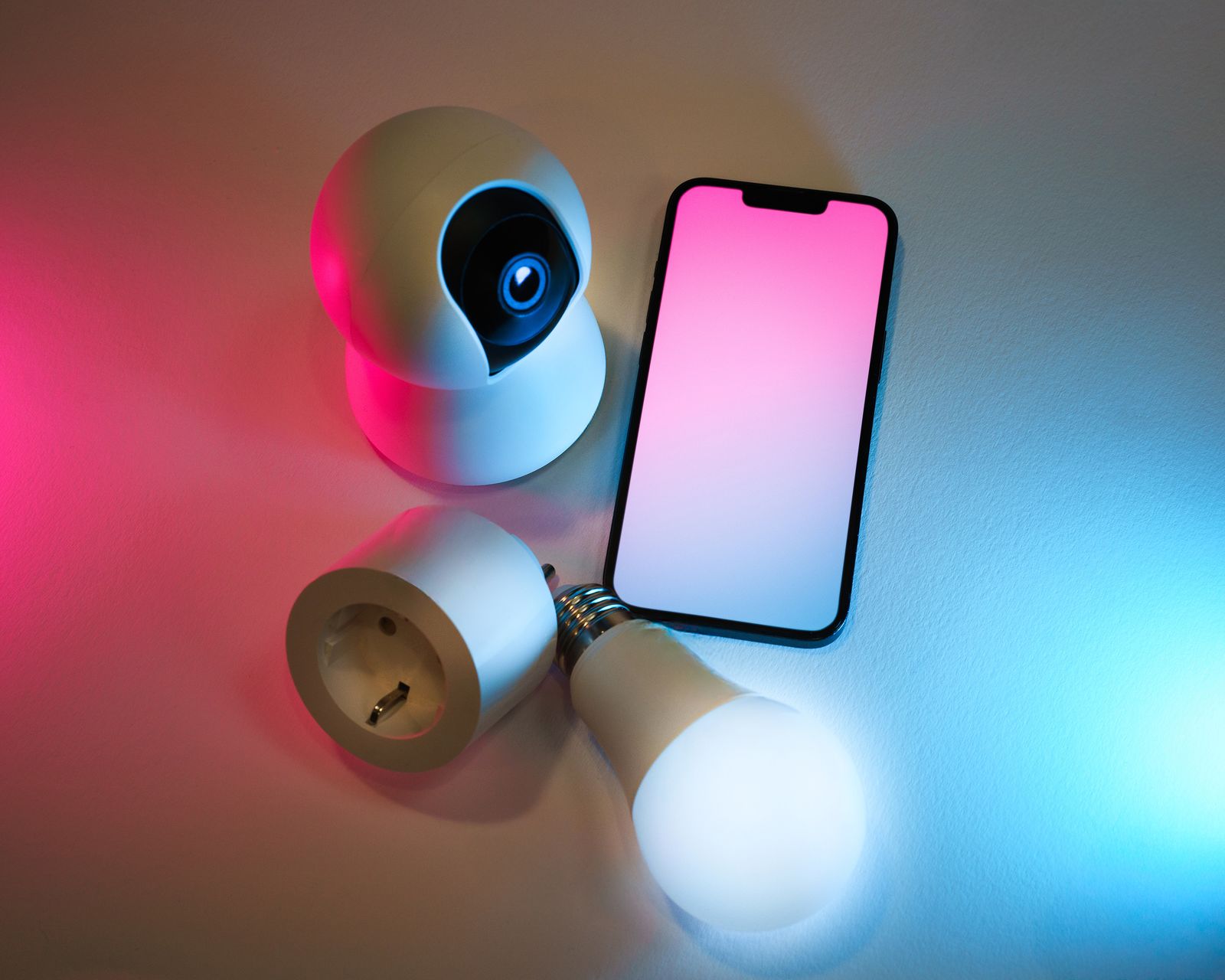
You do not need to purchase every category at once. A sensible first setup might contain only a few devices.
1. A smart-home controller or compatible platform
Depending on your chosen ecosystem, you may already have a suitable controller through a smart speaker, display, hub or other compatible device.
2. Two or three smart lights
Start with areas where automatic lighting genuinely improves daily life. An entrance, hallway, bedroom or desk lamp can be a better starting point than replacing every bulb in the house.
3. One or two smart plugs
Smart plugs are useful because they can add automation to ordinary appliances, lamps and other suitable loads without replacing the entire device.
Always check the electrical rating and the manufacturer's instructions before connecting an appliance. Do not assume that every high-power appliance is appropriate for a particular smart plug.
4. Motion sensors
Motion sensors are among the most useful automation components because they provide context. Instead of simply asking whether it is 8 p.m., an automation can consider whether someone is actually moving through a space.
5. Door and window sensors
These inexpensive sensors can provide surprisingly useful information. A door sensor can trigger a light, notify you when a door remains open, or become part of a home/away routine.
6. Security equipment, if needed
Cameras, video doorbells and alarms can be useful, but they should be selected carefully because they introduce additional privacy considerations.
Room-by-Room Smart Home Setup
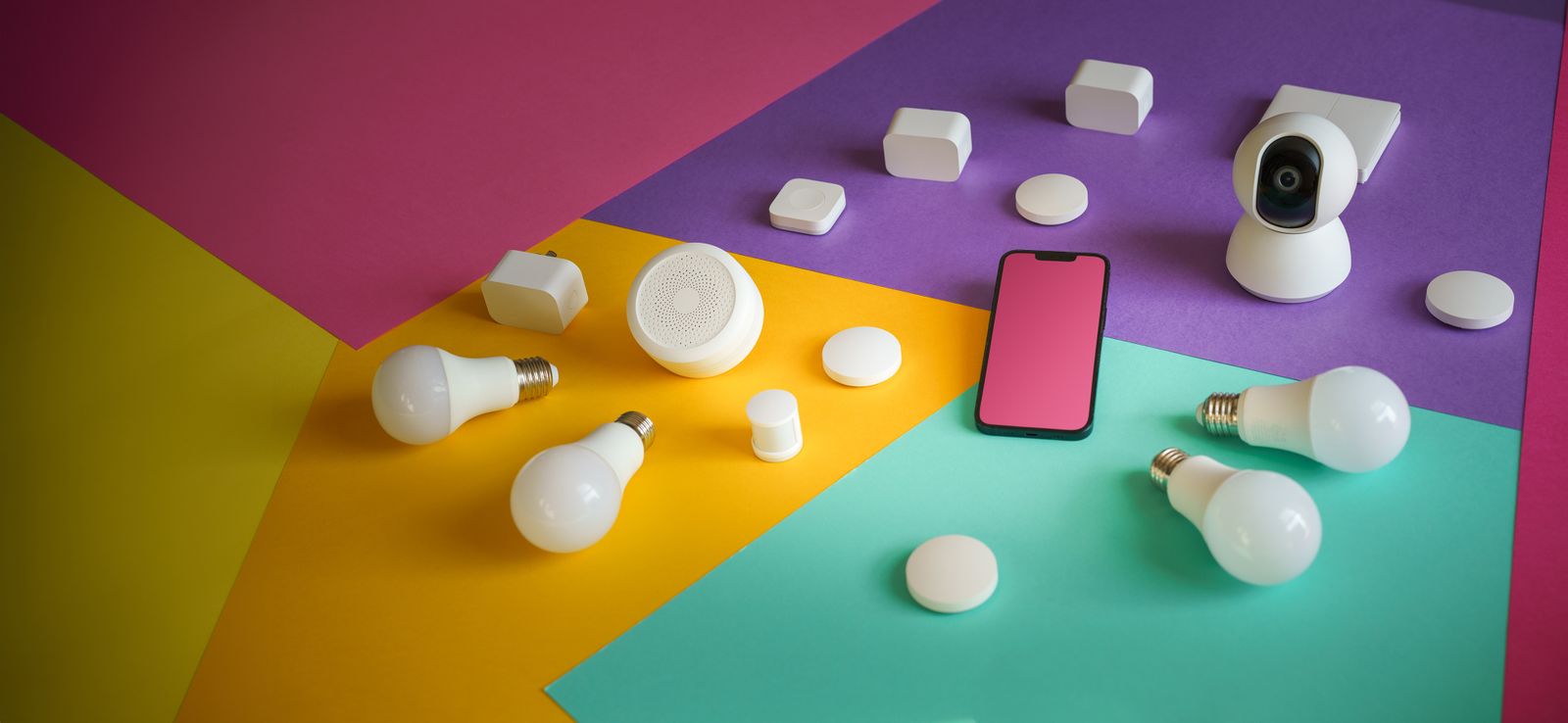
Instead of thinking about your home as one giant IoT project, build it room by room. This makes testing easier and prevents you from creating dozens of automations that you later forget how to maintain.
Entryway
The entryway is one of the best places for automation because the desired behavior is straightforward.
- Motion-activated lighting after sunset.
- A door sensor that records whether the door is open.
- A simple arrival scene that turns on selected lights.
- A reminder if a door remains open longer than expected.
Keep the automation predictable. A light that turns off while somebody is standing still near the entrance is frustrating, so adjust motion timeout settings instead of assuming the sensor is defective.
Living room
The living room is ideal for scenes. A "Movie" scene might reduce certain lights while leaving a small amount of background illumination. A "Reading" scene can provide brighter task lighting.
The important distinction is that a scene should make a meaningful change. Creating twenty nearly identical scenes usually creates more confusion than value.
Bedroom
Bedrooms benefit from subtle automation rather than aggressive automation.
- Gradually dim lights before bedtime.
- Use low-level night lighting when motion is detected.
- Schedule selected lights to turn off after bedtime.
- Monitor temperature if comfort is a recurring problem.
Avoid bright lights or loud notifications in the middle of the night unless they serve an important purpose.
Kitchen
Kitchen automation should prioritize safety and convenience. Under-cabinet lighting can be automated with motion or time conditions. A smart display can also be useful for timers and recipes.
Be especially careful when using smart plugs around cooking equipment. Automation should never encourage unsafe operation of heating appliances.
Bathroom
A motion sensor combined with a low-brightness night scene can be genuinely useful. During daytime hours the light can be normal; at night the same motion event can trigger softer illumination.
Home office
An office can benefit from a simple "work mode" that turns on the desk lamp, activates selected equipment and adjusts lighting.
Avoid automating anything that could cause a computer to shut down unexpectedly. Smart-home convenience should not become a productivity risk.
Garage and utility areas
Motion detection is especially useful in garages, storage rooms and utility areas. These spaces are often occupied briefly and may not have convenient light switches.
Smart Home Automations That Are Actually Worth Building
Automation is where an IoT setup becomes genuinely useful. Here are practical examples that solve common problems without requiring complicated programming.
Automation 1: Hallway night light
Trigger: Motion detected between 11 p.m. and 6 a.m.
Action: Turn hallway light on at low brightness.
Condition: Keep it active only when the normal lighting schedule is inactive.
This is a classic example of useful automation because the system understands both motion and time.
Automation 2: Welcome-home lighting
Trigger: Home/away status changes to occupied during evening hours.
Action: Turn on selected entrance or living-room lights.
Keep the number of devices involved small. The goal is to make arriving home more comfortable, not to activate the entire house.
Automation 3: Open-door reminder
Trigger: Door remains open for a defined period.
Action: Send a notification.
This can be useful for doors that are occasionally left open accidentally.
Automation 4: Away routine
When the household leaves, selected lights can turn off and nonessential devices can enter an appropriate state.
Be conservative. Do not automatically disable devices that need to remain available, such as security equipment, network equipment or important medical-related devices.
Automation 5: Morning routine
A morning routine could gradually activate selected lighting, provide a notification or start a preferred household scene.
Automation 6: Energy-conscious lighting
Instead of attempting to automate every electrical appliance, begin with lights that are frequently forgotten.
A simple schedule can often deliver a noticeable convenience improvement without creating a complicated automation tree.
Smart Home Security and Privacy: The Part You Should Not Skip
A connected home creates convenience, but it also increases the number of devices that need to be maintained. Security should therefore be part of the setup process, not something added after a problem occurs.
Use strong, unique passwords
Do not reuse the same password across your router, smart-home account, email and individual device accounts.
If a manufacturer supports multi-factor authentication, enable it for important accounts.
Keep firmware updated
Device manufacturers may release firmware updates that improve functionality, stability and security. Check whether your devices update automatically and know where to find manual update controls.
Review permissions
A smart device may request access to your location, microphone, camera, contacts or other information. Consider whether each permission is genuinely required.
Be careful with cameras
Security cameras deserve special attention because they can capture extremely sensitive information about your household.
Think about camera placement before installation. Avoid unnecessary views into private spaces, and understand how recordings are stored and who can access them.
Do not blindly trust the word "smart"
A connected product is not automatically a secure product. Look for a manufacturer that clearly explains updates, account security, data handling and device support.
Matter itself places security among its design goals, but your overall smart-home security still depends on the devices, accounts, network and practices you use. :contentReference[oaicite:5]{index=5}
Smart Home Troubleshooting: What to Check When Something Stops Working
Every smart home eventually has a device that refuses to cooperate. The trick is to troubleshoot systematically instead of immediately deleting and reinstalling everything.
Problem: The device says it is offline
- Check whether the device has power.
- Check whether your home internet is working.
- Check whether other devices are online.
- Restart the device if appropriate.
- Check the manufacturer's app for maintenance or service information.
- Check Wi-Fi signal strength or network range.
Problem: The automation does not trigger
Start by checking the trigger. If the automation depends on motion, verify that the sensor actually reports motion. If it depends on time, verify the time zone and schedule.
Then check conditions. Many automation failures occur because a hidden condition prevents the action from running.
Problem: A smart bulb works from the app but not from the wall switch
This is often a physical-control issue rather than a network problem. Many smart bulbs require continuous electrical power. If somebody turns off the wall switch, the bulb can no longer communicate.
Before changing electrical hardware, make sure the solution is appropriate for your home and, where necessary, use a qualified electrician.
Problem: A sensor has poor battery life
Check reporting frequency, placement and signal quality. A sensor that repeatedly struggles to communicate may consume more energy than one operating in a strong connection environment.
Problem: Too many apps
This is a design problem rather than a technical problem. If every device requires a separate application, consider consolidating future purchases around an ecosystem that can manage more of your devices.
How to Build a Smart Home on a Budget
You do not need to spend a large amount of money at the beginning. In fact, a smaller setup can teach you more because you will understand what you actually use.
Phase 1: Start with lighting
Choose two or three lights in locations where automation has an obvious benefit. Learn how scheduling, scenes and voice or app control work.
Phase 2: Add sensors
Add a motion sensor and a door sensor. These introduce event-based automation and make your system more responsive.
Phase 3: Improve the network
If you start experiencing unreliable connections, improve the network before buying more IoT products.
Phase 4: Add security devices carefully
Once the basics are stable, consider cameras, locks, alarms or other security equipment based on your actual needs.
Phase 5: Add advanced automation
Only after the basic system works consistently should you build more complex routines involving multiple conditions.
12 Smart Home Setup Mistakes Beginners Should Avoid
- Buying devices before choosing an ecosystem. Compatibility problems can become expensive later.
- Ignoring the Wi-Fi network. A weak network can make even excellent devices unreliable.
- Automating everything. Automation should remove repetitive work, not create new problems.
- Installing too many apps. A fragmented setup becomes difficult to maintain.
- Ignoring physical controls. Family members and visitors still need intuitive ways to operate the home.
- Buying devices without checking electrical ratings. Smart plugs and switches must be suitable for the loads they control.
- Putting sensors in poor locations. Even a good sensor cannot compensate for bad placement.
- Using complicated automation rules too early. Build one simple rule and test it before adding another condition.
- Forgetting firmware updates. Connected devices require ongoing maintenance.
- Ignoring privacy settings. Review permissions and understand how sensitive information is handled.
- Assuming cloud access is always required. Where possible, understand which functions can operate locally.
- Never documenting the setup. A simple list of devices, locations and automations can save hours later.
Going Beyond the Beginner Smart Home
Once your basic system is stable, you can explore more advanced concepts such as local automation, energy monitoring, presence detection, environmental sensors and more sophisticated routines.
Advanced automation should still follow the same principle: create it because it solves a real problem.
Presence detection
Presence detection attempts to determine whether people are home rather than simply detecting motion. This can make away and arrival automations more useful, but it should be configured carefully because inaccurate presence detection can trigger unwanted actions.
Energy monitoring
Energy monitoring can help you understand which appliances or household behaviors consume electricity. Measurement is generally more useful than guessing.
Environmental sensors
Temperature, humidity and air-quality sensors can provide additional information about your home environment. Their value comes from trends and context rather than a single measurement.
Local automation
Some smart-home enthusiasts prefer automation that can continue working locally instead of relying entirely on a remote cloud service. This can improve resilience and responsiveness in some setups, although local systems may require more technical knowledge to configure and maintain.
Complete Smart Home Setup Checklist
- Identify the problems you want automation to solve.
- Choose your primary smart-home ecosystem.
- Check which devices are compatible with it.
- Check whether new devices support Matter when appropriate.
- Test your Wi-Fi coverage before installing many devices.
- Choose two or three starter devices.
- Install and test each device individually.
- Give devices clear names based on their location.
- Create simple automations first.
- Test every automation manually.
- Adjust motion and timing settings.
- Secure your smart-home account.
- Enable multi-factor authentication where available.
- Update device firmware.
- Review privacy permissions.
- Document your important devices and automations.
- Only expand the system after the existing setup is reliable.
Frequently Asked Questions About Smart Home Setup
What is the easiest smart home setup for a beginner?
A good beginner setup can be as simple as a compatible smart-home controller, two smart lights, one motion sensor and one door sensor. Start with one room and create one or two useful automations before expanding.
Do I need a smart-home hub?
It depends on the devices and ecosystem you choose. Some products communicate directly over Wi-Fi, while others may use Thread or another technology and require a compatible controller or border router. Check the requirements for each product before purchasing.
Is Matter the same as Wi-Fi?
No. Matter is a smart-home application-layer standard intended to improve interoperability. Wi-Fi is a networking technology. Matter can operate using technologies including Wi-Fi, Thread and Ethernet. :contentReference[oaicite:6]{index=6}
Is Matter worth considering when buying smart-home devices?
It can be. Matter is designed to make compatible devices work across supported smart-home ecosystems, which can reduce compatibility concerns. However, you should still check exactly which features a product supports on your chosen platform.
Can a smart home work if the internet goes down?
It depends on the device and automation architecture. Some functions may continue locally, while others rely on cloud services. Before buying important devices, check what happens during an internet outage.
Should I buy all my smart-home devices from one brand?
Not necessarily. A single brand can simplify management, but standards such as Matter are designed to improve interoperability between compatible products. Choosing based on compatibility, reliability, support and privacy is generally more useful than choosing purely by logo. :contentReference[oaicite:7]{index=7}
Are smart plugs safe?
A smart plug should only be used with electrical loads within its specified ratings and according to its manufacturer's instructions. High-power appliances require particular care. If you are uncertain about an electrical installation, consult a qualified electrician.
How many smart devices should I install at once?
There is no ideal number. For a first project, a handful is usually better than dozens. Install a small group, test the network and automation behavior, then expand gradually.
Why are my smart-home automations unreliable?
Common causes include weak connectivity, incorrect conditions, poor sensor placement, device firmware issues, confusing device names or overly complicated automation rules. Simplify the automation and test each component individually.
Can renters build a smart home?
Yes. Renters can start with portable devices such as smart bulbs, smart plugs, sensors, speakers and removable accessories. Avoid permanent electrical or structural changes unless the property owner permits them and the work is performed appropriately.
Final Thoughts: Build a Home That Helps You
The most successful smart-home setup is rarely the one with the largest number of gadgets. It is the one that quietly handles small tasks without demanding constant attention.
Start with one genuine problem. Maybe the hallway is always dark at night. Maybe you repeatedly forget to switch off a lamp. Maybe you want to know whether a door is open while you are away.
Solve that problem first.
Then observe how the system behaves for a few days. If it works reliably, expand to another room. This gradual approach gives you something many rushed smart-home projects lack: a system you actually understand.
Pay particular attention to your network, device compatibility, security and privacy. When buying new equipment, standards such as Matter can be worth checking, especially if you want greater flexibility between supported ecosystems. The Connectivity Standards Alliance continues to develop Matter, with the Matter 1.6 release announced in June 2026. :contentReference[oaicite:8]{index=8}
Most importantly, do not automate something simply because you can. Automate it because it makes your home easier, safer, more comfortable or more efficient to live in.
Recommended Further Reading and Image Sources
For current Matter information, setup guidance and compatibility concepts, consult the official Connectivity Standards Alliance resources. The Alliance explains Matter's use of Wi-Fi, Thread and Ethernet and its approach to interoperability, setup and security. :contentReference[oaicite:9]{index=9}
The article's photographs are sourced from Pexels. The individual Pexels pages identify the referenced images as free to use. Always review the current license and attribution requirements before publishing or modifying an image.