
Smart Home Setup for Renters: The Complete No-Drill, No-Hub Guide
Every device in this guide can be unplugged, unscrewed, or peeled off the wall in under a minute — no landlord calls, no security deposit risk, no wiring changes.
Quick Answer
You can build a genuinely useful smart home in a rental using only plug-in, battery, and adhesive-mounted devices — smart plugs, screw-in bulbs, a battery smart lock adapter, peel-and-stick sensors, and a portable camera. None of these require drilling, rewiring, or landlord approval, and every one of them comes with you when you move. Start with a two-pack of smart plugs and one smart speaker; expand room by room from there.
What's Covered in This Guide
- Why Renter Smart Homes Are a Different Problem
- The Three Rules to Check Before You Buy Anything
- Do You Actually Need a Hub?
- Room-by-Room Setup Guide
- Lighting Without Touching a Single Wire
- Security and Peace of Mind, Rental-Safe
- Five Automations Worth Setting Up First
- Moving Day: Packing Up Your Smart Home
- Common Mistakes Renters Make
- What It Actually Costs, By Tier
- Choosing an Ecosystem Without Locking Yourself In
- Frequently Asked Questions
Somewhere between "I want my apartment to feel less like a waiting room and more like a home" and "I am absolutely not drilling into a wall I don't own," most renters give up on the smart home idea entirely. That's a shame, because the gap between what a homeowner can install and what a renter can install has gotten a lot smaller over the last couple of years. You just have to shop differently, and nobody selling you the gear is going to tell you that up front.
This guide skips the products built for people who own their walls. Every recommendation here assumes you might move next year, that your landlord has opinions about anything involving a screwdriver, and that you'd like your security deposit back in full. What's left is still a real, automated, voice-controlled home — it just gets there through outlets, adhesive, and Wi-Fi instead of drywall anchors.
Why Renter Smart Homes Are a Different Problem
Most smart home content is written for people who can knock a hole in a wall, hardwire a switch, or swap out a deadbolt without thinking twice. That's not a knock on those guides — it's just not your situation, and pretending otherwise leads to buying the wrong gear.
Renting adds three constraints that homeowner guides never mention. First, anything permanent is a liability against your security deposit, and in a lot of leases it's an outright violation you'd have to disclose or reverse before move-out. Second, you don't know how long you'll be in this specific unit, so every dollar you spend needs to travel with you, not stay bolted to someone else's property. Third, you often can't control the building's Wi-Fi setup, shared electrical panel, or whether your unit even has neutral wiring behind the switches — which quietly rules out a huge category of "smart switch" products that assume a standard house wiring setup.
None of that means you're stuck with a single smart bulb and a sad little app. It means the shopping list looks different, and once you know which category a device falls into, you can tell in about five seconds on a product page whether it belongs on your list or not.
The Three Rules to Check Before You Buy Anything
Before you add a single item to your cart, run it through these three filters. If a device fails any one of them, skip it — no matter how good the reviews are.
- Rule 1 — Reversible in under five minutes. Can you undo the install with your hands and no tools, leaving zero visible trace? Adhesive strips, magnetic mounts, plug-in adapters, and screw-in bulbs all pass. Anything requiring a drill, wire nuts, or permanent adhesive fails.
- Rule 2 — Doesn't touch existing wiring. Smart switches that replace your wall switch often need a neutral wire that older or budget-built rentals simply don't have, and installing one wrong is a genuine electrical hazard, not just a landlord issue. Stick to devices that sit downstream of existing wiring instead of inside it.
- Rule 3 — Setup lives in an app, not a contract. You should be able to add, remove, and re-pair a device from your phone in a couple of minutes. If a device wants you to sign up for a multi-year monitoring contract just to function at all, that's a red flag independent of the renting question.
Every recommendation from here forward has already been filtered through these three rules, so you can shop with confidence instead of re-checking each product page yourself.
Do You Actually Need a Hub?
This is the question that stalls more renters than any other, mostly because product marketing makes it sound mandatory. It isn't. A hub is a small piece of hardware that translates between your phone and certain wireless protocols (Zigbee and Z-Wave, mainly) that your Wi-Fi router can't speak directly. Plenty of renter-friendly devices skip that whole problem by connecting straight to your existing Wi-Fi.
Unless you're already picturing fifteen-plus devices working together with instant, offline-capable automations, skip the hub for now. Buy Wi-Fi-direct or Matter-labeled devices, get comfortable with the basics, and revisit the hub question in six months if you find yourself wanting faster local response times or more advanced routines than the free apps allow.
Room-by-Room Setup Guide
Instead of a generic device list, here's how to approach each room based on what renters actually complain about — temperature control they can't touch, lighting that's either too bright or too dark, and appliances they forget to turn off on the way out the door.
Living Room
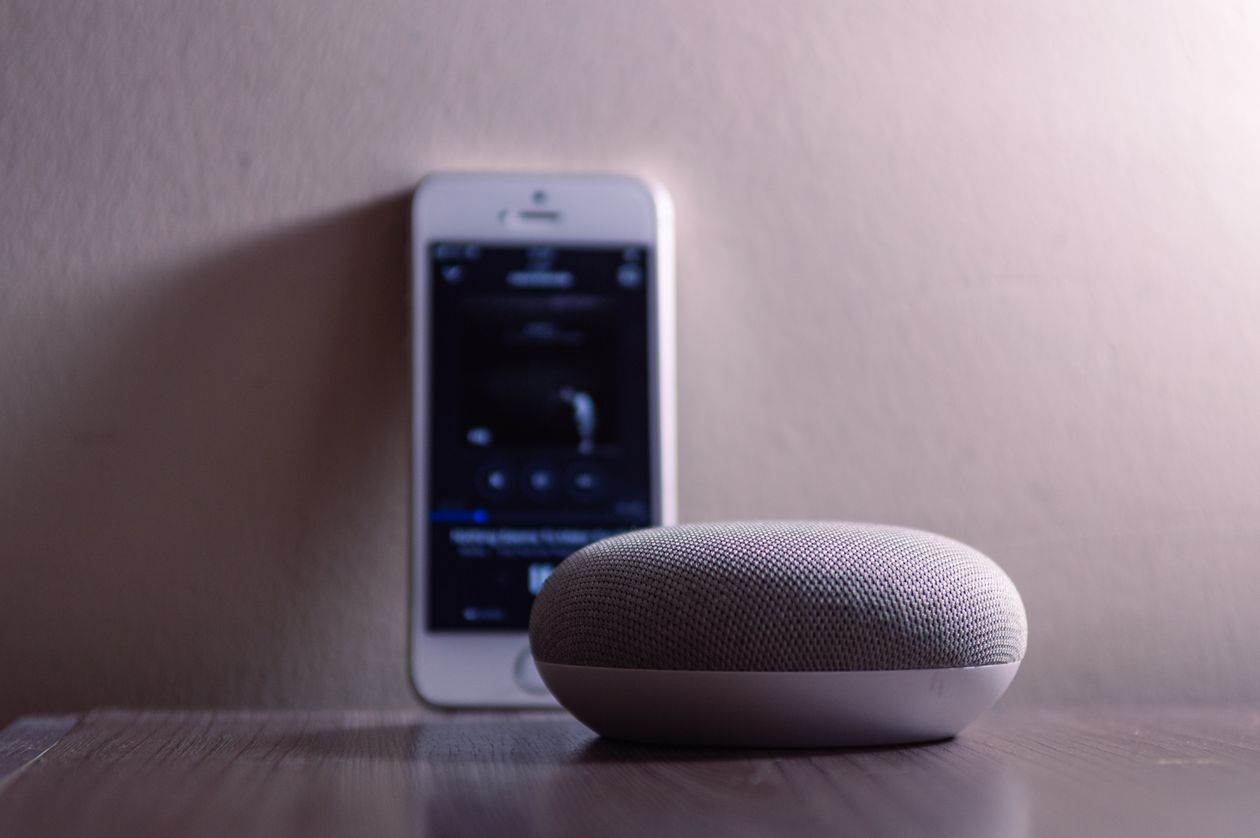
This is where a smart plug earns its keep fastest. Plug your floor lamp, string lights, or fan into a smart plug and you've instantly turned a "dumb" fixture into something you can schedule, voice-control, or trigger with a routine. Add a smart speaker on a shelf or side table as your control hub — no installation beyond plugging it in. If your rental allows a TV on the wall already, a smart plug on the TV and soundbar combo lets you kill "vampire" standby power with one command at night.
Bedroom
Swap your bedside lamp bulb for a smart bulb rather than adding a smart plug here — you'll want dimming and color temperature control for winding down, which a plug alone can't give you. A battery-powered smart lock adapter, the kind that fits over your existing deadbolt thumb-turn without replacing any hardware, is worth adding if your building allows keyless entry; it installs and removes in minutes and leaves your original lock completely intact underneath.
Kitchen
A smart plug on your coffee maker means it's brewing before your alarm even finishes. For anyone who's ever walked out the door wondering "did I unplug the toaster," a smart plug with power monitoring will actually tell you whether something's still drawing current, not just whether it's technically on. Skip smart switches near the sink or stove area entirely — moisture and heat exposure aside, this is exactly the kind of wiring you don't want to touch in a home you don't own.
Entryway
This is where a peel-and-stick door or window sensor does the most good for the least effort. Stick one on your front door and pair it with a routine that turns on the entry light automatically when you walk in with your hands full of groceries. A small battery video doorbell that mounts with adhesive tape (not screws) is also worth considering if your building's front door setup allows it — check your lease for camera restrictions in shared hallways first.
Bathroom
Keep this one simple: a smart bulb for the vanity light with a "wake up" gradual brightness routine, and a humidity-triggered fan reminder if your bathroom fan is on a plug rather than a hardwired switch. This is a low-priority room for most renters, and that's fine — not every room needs the same investment.
Lighting Without Touching a Single Wire
Lighting is usually where new smart home shoppers get overwhelmed, mostly because product categories blur together on store shelves. Here's the actual difference, laid out plainly.
If a listing says "replaces your wall switch" or shows a photo of exposed wiring during installation, that's your cue to keep scrolling. The battery-powered switch covers that clip over an existing toggle are the most underrated product in this entire category for renters — they give you app and voice control over a shared overhead light without anyone ever touching a wire.
Security and Peace of Mind, Rental-Safe
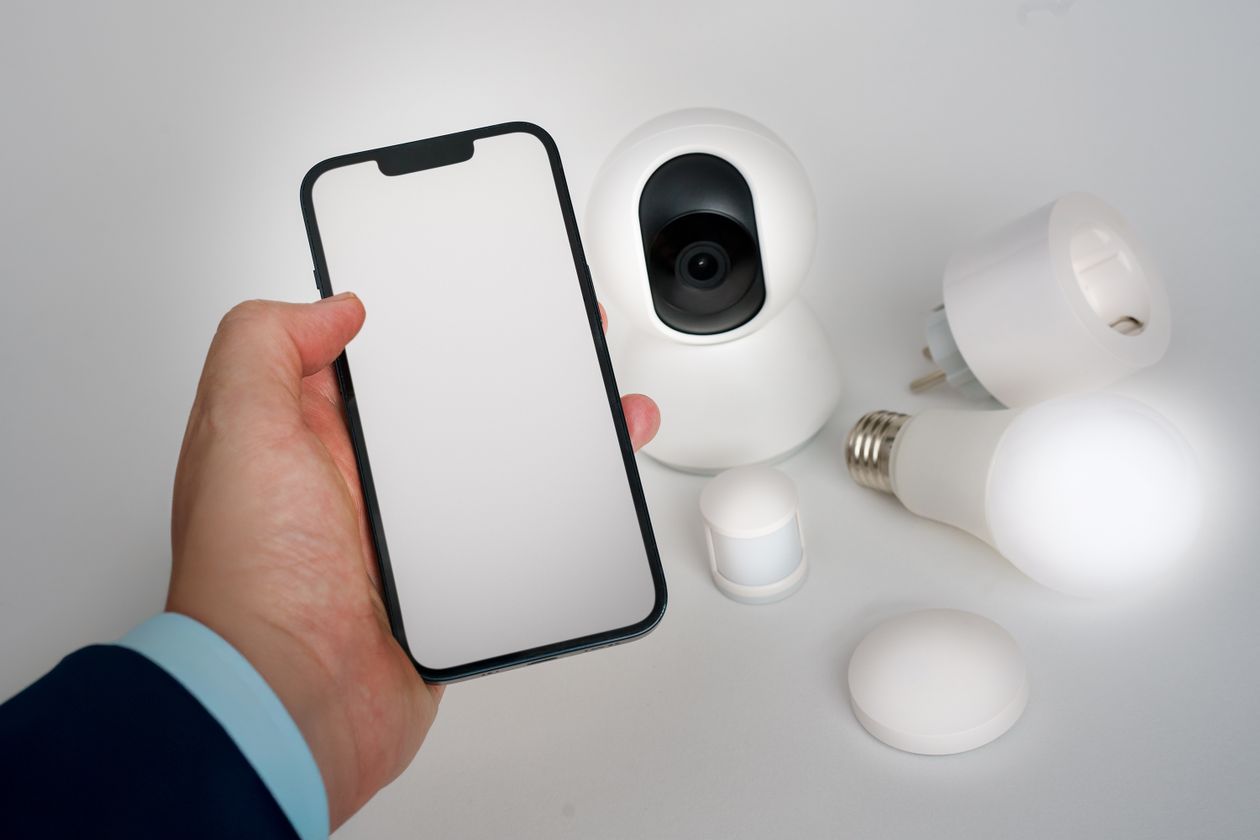
Security is the category where renters most often assume they're locked out entirely, but the workarounds are genuinely solid. A tripod or shelf-mounted indoor camera gives you a live view and motion alerts without any mounting hardware at all — just place it facing the door and you're done. For a slightly more permanent feel, adhesive mounting tape rated for indoor use holds most compact cameras securely enough for daily use and peels off cleanly at move-out.
For the front door itself, a battery smart lock adapter that fits over your existing thumb-turn is the standard renter solution — it doesn't replace your landlord's lock cylinder, just automates the turning of it, and comes off in under a minute if you ever need to hand the unit back to its original, fully manual state.
One thing worth being upfront about: no adhesive-mounted or battery device is going to match the reliability of a hardwired security system, and that's fine. The goal here isn't professional-grade home security, it's reasonable peace of mind that travels with you, at a fraction of the cost and zero landlord friction.
Five Automations Worth Setting Up First
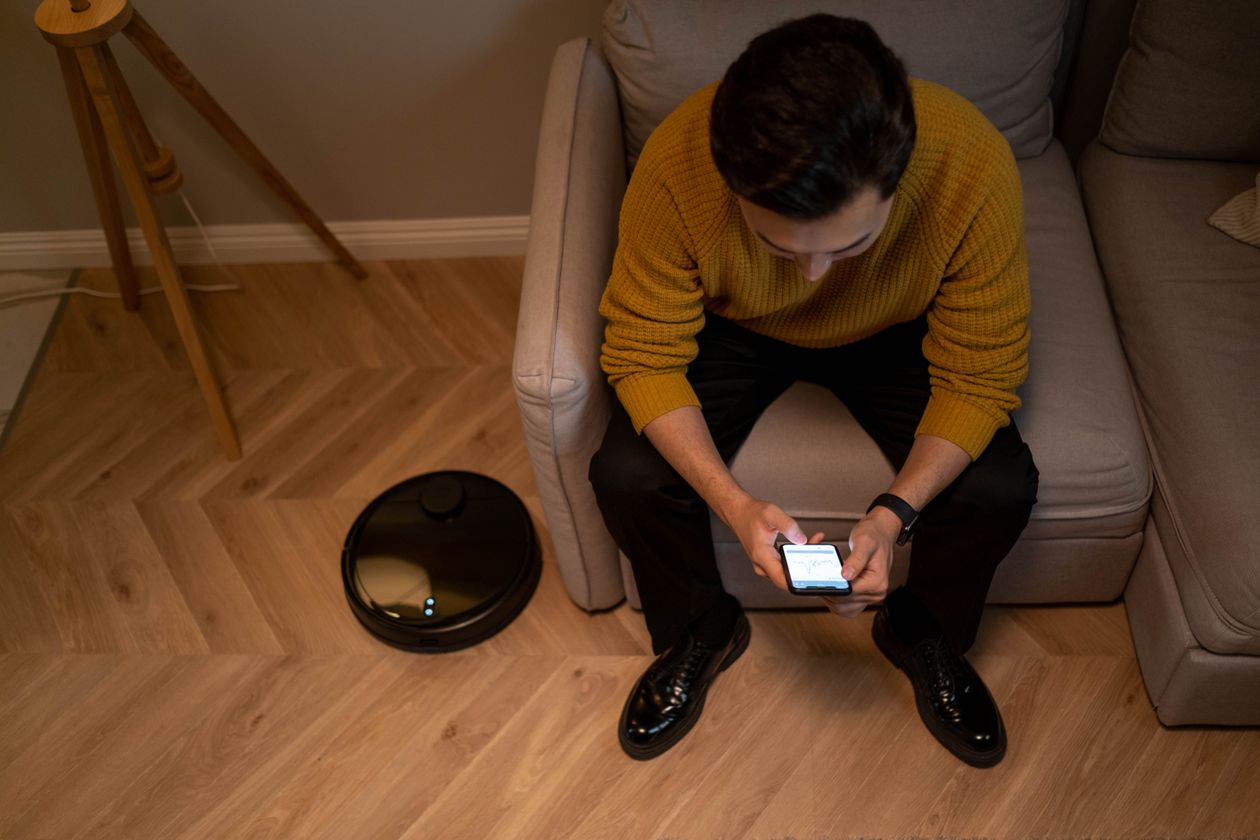
Buying the devices is the easy part. The actual payoff comes from routines — small rules that run automatically instead of you tapping an app every time. Here are five that consistently deliver the most day-to-day value for renters, in the order most people should set them up.
- Away mode. One command turns off every plug-connected device and locks the smart-enabled deadbolt adapter when you leave, so you're never wondering if you left the space heater running.
- Sunset lighting. Lamps on smart plugs turn on automatically around sunset, which does double duty as a very basic "someone's home" deterrent while you're out.
- Morning coffee. The kitchen smart plug fires ten minutes before your alarm, timed to your actual wake-up time rather than a fixed clock setting.
- Entry lighting. The door sensor triggers your entryway light the moment you walk in, which matters more than it sounds like it should when your hands are full.
- Bedtime wind-down. Bedroom bulbs dim and shift to a warmer color temperature on a schedule, without you having to remember to do it manually every night.
Start with just one or two of these. Adding all five on day one tends to backfire — you won't remember why a light turned off, and you'll end up disabling automations out of confusion rather than actually using them.
Moving Day: Packing Up Your Smart Home
Because every device in this guide was chosen for reversibility, moving day is mostly a non-event. Unplug the smart plugs and pack them like any other charger. Unscrew smart bulbs and swap the original bulbs back in if your lease requires the unit returned to its original state. Peel off adhesive sensors slowly to avoid paint damage — a hairdryer on low heat for a few seconds softens most adhesive if it's being stubborn. Remove the battery lock adapter, which typically takes less time than tying your shoes.
On the software side, most manufacturer apps let you simply update the room labels and reconnect to your new Wi-Fi network rather than re-pairing everything from scratch. Your automations, schedules, and device names usually survive the move with you — only the network connection needs updating.
Common Mistakes Renters Make
A few patterns show up again and again in renter smart home setups gone wrong, and all of them are avoidable once you know to watch for them.
- Buying a hardwired switch by accident. Product photos don't always make it obvious. Read the installation section of the listing, not just the headline features.
- Ignoring the app ecosystem question. Buying five devices from five different brands, each requiring its own app, defeats the point of "smart." Check Matter compatibility before checkout.
- Skipping the lease review. A five-minute read of your lease's alterations clause saves a much longer conversation with your landlord later.
- Over-automating too fast. As mentioned above, five new routines in one weekend is a recipe for abandoning the whole system out of frustration.
- Forgetting shared-space restrictions. Cameras facing shared hallways, elevators, or neighboring units can violate building policy even when the device itself is perfectly renter-friendly.
What It Actually Costs, By Tier
Budget expectations vary widely depending on how far you want to take this, so here's a realistic breakdown by tier rather than a single number that doesn't apply to your situation.
Most renters find the "Everyday" tier hits the sweet spot: enough automation to notice the difference daily, without the cost or clutter of a full security buildout. You can always add the lock and camera later once you've confirmed you'll actually use what you've already got.
Already have your devices picked out and want to connect everything under one system? Our Matter smart home hub setup guide walks through pairing multiple brands into a single, faster control layer.
Read the Matter Hub Setup GuideChoosing an Ecosystem Without Locking Yourself In
Renters have an extra reason to care about this question that homeowners often skip past: you may switch apartments, switch phones, or end up sharing a space with someone loyal to a different voice assistant. Picking Alexa, Google Home, or Apple Home isn't really the decision it used to be, because most current devices worth buying support more than one through Matter. Rather than asking "which ecosystem is best," a more useful question is "which one already lives in my pocket." If you're on an iPhone, Apple Home integrates more smoothly with your existing devices. If you're already using Google services daily, Google Home tends to feel native. Alexa remains the broadest third-party device support of the three, which matters if you're buying budget or off-brand hardware to save money.
The practical move for a renter is to treat your first speaker or display as a convenience purchase, not a permanent commitment. Because Matter-certified devices can be added to more than one ecosystem's app, switching your primary assistant later doesn't mean re-buying your plugs and bulbs — it usually just means re-adding them inside a different app, a process that takes minutes per device rather than hours. That flexibility is exactly why the "Matter" badge is worth actively looking for on packaging, even if you never plan to switch: it's an insurance policy against a decision you're making with limited information on day one.
Frequently Asked Questions
Can I set up a smart home in an apartment without my landlord's permission?
Yes, as long as you stick to plug-in, battery-powered, or adhesive-mounted devices that leave no permanent marks or wiring changes. Smart plugs, battery smart locks with removable adapters, adhesive sensors, and Wi-Fi cameras on tripods or shelves typically require no landlord sign-off. Anything involving cutting drywall, rewiring a switch, or replacing a deadbolt permanently does need permission or should be avoided.
Do I need a smart home hub to get started as a renter?
No. Most renter-friendly devices connect directly to your home Wi-Fi and are controlled through a free manufacturer app, so a dedicated hub is optional rather than required. A hub becomes worth buying only once you own several Zigbee or Z-Wave devices and want faster, more reliable local automations.
Will smart plugs and bulbs damage my rental's wiring or fixtures?
No. Smart plugs sit between your existing outlet and your device the same way a power strip would, and smart bulbs simply screw into an existing socket in place of a regular bulb. Neither modifies your rental's wiring, and both can be removed in seconds when you move out.
What's the cheapest way to start a renter-friendly smart home?
A two-pack of smart plugs and one smart speaker is typically the lowest-cost, highest-impact starting point, often for well under the price of a single smart lock. This combination lets you automate lamps, fans, and small appliances while giving you voice control for everything else you add later.
Can I take my smart home devices with me when I move?
Yes. Every device recommended in this guide — plugs, bulbs, battery locks, adhesive sensors, and portable cameras — is designed to be unplugged, unscrewed, or peeled off and reinstalled at your next address. Most manufacturer apps also let you rename rooms and re-pair devices in minutes.
Do renter-friendly smart devices work with Alexa, Google Home, and Apple Home at the same time?
Many current devices support Matter, a shared smart home standard that lets a single device work across Alexa, Google Home, and Apple Home without picking one ecosystem permanently. Checking for a Matter or "works with" badge on the box before buying is the easiest way to avoid getting locked into one voice assistant.
Final Thought
Renting doesn't have to mean choosing between "no smart home at all" and "risk my security deposit." The devices covered here exist precisely because enough renters ran into this same wall and manufacturers eventually built for it. Start small — a couple of smart plugs and a speaker is a genuinely useful setup on its own — and let the rest of your apartment catch up room by room, at whatever pace actually fits your budget and your lease.