
Smart Home Setup for Aging Parents: A Safety Guide That Doesn't Feel Like Spying
There's a specific kind of worry that shows up once a parent starts living alone into their seventies or eighties: the phone ringing at an odd hour, the unanswered call that makes your stomach drop, the quiet math you do every time you can't reach them for a few hours. Smart home technology can genuinely help with this — but only if it's set up in a way that respects your parent as an adult, not as someone being monitored. Get that balance wrong, and even the best device ends up disconnected in a drawer within a month, because nobody wants to feel watched in their own home.
This guide is built around that balance. Every device below is chosen because it solves a real safety problem — falls, missed medication, isolation, unanswered calls — while staying as unobtrusive and dignity-preserving as possible. We'll also cover the setup mistakes that cause families to abandon this stuff entirely, usually within the first two weeks.
Start With a Conversation, Not a Shopping Cart
The single biggest predictor of whether smart home safety tech actually gets used long-term isn't the device — it's whether your parent was part of the decision. Showing up with a box of gadgets and installing them during a weekend visit, however well-intentioned, tends to read as "my kids think I can't manage on my own," and that feeling can outlast the goodwill of the gift by months.
A better starting point is a direct, specific conversation: what worries you, what worries them, and where those overlap. Most parents are far more open to a fall-detection pendant after a scare in the bathroom than to a camera pointed at their kitchen table. Lead with the specific risk you're both worried about, not with "let's smart-home-ify your house." The device choices below get much easier once you know which two or three problems you're actually solving for.
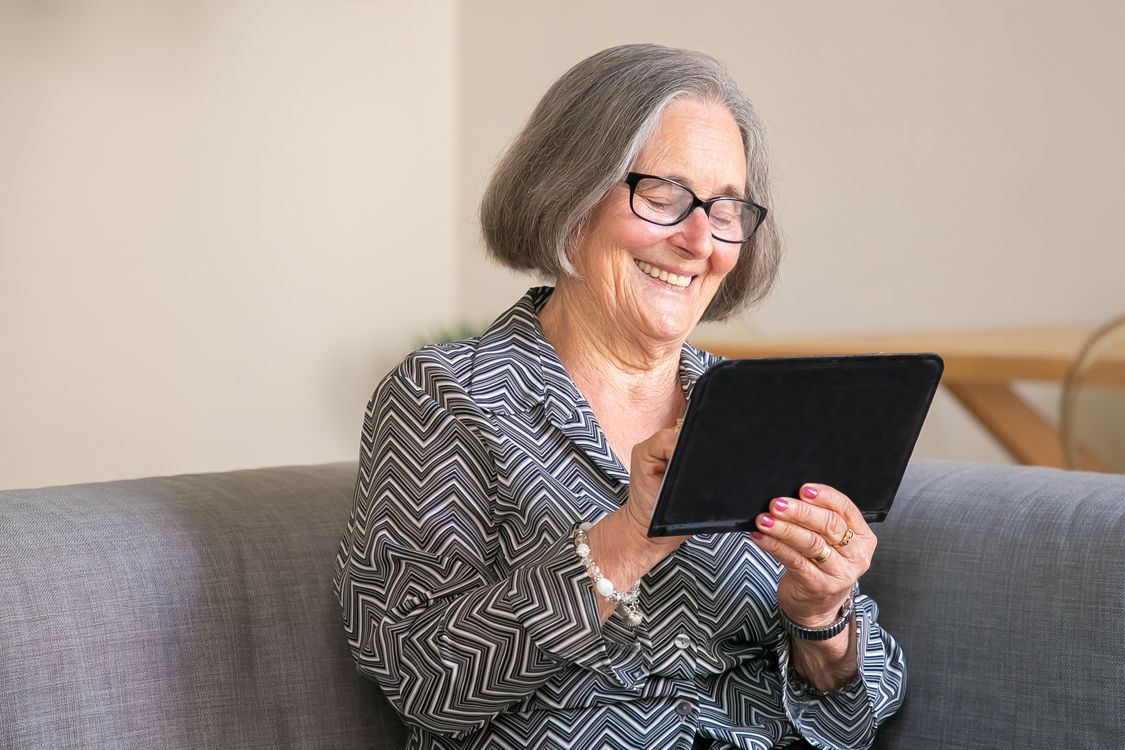
Photo by Kampus Production / Pexels
Voice Assistants: The Highest-Value, Lowest-Friction Starting Point
For most families, a smart speaker is the right first purchase — not a camera, not a lock, a speaker. The reason is accessibility: voice control removes the two biggest barriers older adults run into with technology, small touchscreens and multi-step app navigation. "Call my daughter," "what's the weather," "remind me to take my medicine at 6" — these are commands a first-time user can manage on day one, with zero app downloads.
A few setup choices that matter more for older users than for anyone else:
- Place it somewhere they already spend time — a kitchen counter or a bedside table, not a shelf across the room. Voice recognition range matters less than proximity to daily routine.
- Set up "drop-in" or hands-free calling to your number specifically, so reaching you doesn't require remembering a name or navigating a contact list under stress.
- Turn off features they won't use — shopping integrations, music subscriptions, smart home control for devices you haven't set up yet. A cluttered set of capabilities makes voice commands feel unpredictable rather than simple.
- Physically demonstrate it together, and write the two or three commands they'll actually use on an index card taped near the device. This single low-tech step prevents more abandoned devices than any software feature.
Some ecosystems now offer caregiver-focused subscriptions built on top of the smart speaker — services that add activity check-ins, emergency response options, and fall detection directly through the same device your parent already has, without an additional gadget. Worth checking before buying a separate device for those features.
Fall Detection: Wearable vs. Ambient, and Why the Difference Matters
Falls are the single most common reason for an emergency room visit among older adults living independently, and they're also the scenario where the gap between "helpful device" and "abandoned device" is widest. There are two real approaches:
- Wearable pendants and watches with built-in fall detection and an SOS button. These are the most reliable option because they go wherever your parent goes, including the bathroom and outside the home — the two places falls most often happen and where fixed sensors can't help. The tradeoff is compliance: a pendant only works if it's actually worn, which is why comfort and a design your parent doesn't find embarrassing matter as much as the technology inside it.
- Ambient fall detection built into some newer smart speakers and displays, which use radar-like sensing to detect a fall in the room without anything worn on the body. This solves the compliance problem entirely, but only protects the specific rooms with a compatible device installed — it won't help in the bathroom unless you have a moisture-safe model rated for that room specifically.
Many families end up using both: a pendant for full-home and outdoor coverage, plus an ambient device in the bedroom or living room where your parent spends the most waking hours. Almost every fall-detection option — wearable or ambient — comes with a monthly monitoring subscription, typically $20–$40, since a real person needs to be on the other end of that alert around the clock. Budget for this ongoing cost before you buy the hardware; it's usually the larger long-term expense.

Photo by Anna Shvets / Pexels
Medication Reminders That Don't Rely on Memory Alone
Missed or doubled medication doses are one of the most common — and most preventable — safety issues for older adults managing multiple prescriptions. There's a useful hierarchy here, from simplest to most automated:
- Voice-triggered reminders through the smart speaker you've already set up — a scheduled daily alert with a spoken reminder, no additional hardware needed. This works well for parents who are cognitively sharp but simply busy or forgetful.
- Smart pill dispensers that physically lock compartments until the correct time, then light up and sound an alert. These add a genuine layer of protection against double-dosing, since the next compartment simply won't open early.
- Dispensers with caregiver alerts that notify you directly if a scheduled dose isn't taken within a set window — useful for a parent managing something with real medical consequences if missed, like blood thinners or heart medication.
Start with the voice reminder option before jumping to a dispenser. It costs nothing beyond the speaker you likely already have, and for a lot of families it turns out to be entirely sufficient — no need to add a device your parent has to physically load and manage every week if a spoken nudge does the job.
Lighting and Motion: The Unglamorous Feature That Prevents the Most Falls
This is the most underrated category in this entire guide. A huge share of nighttime falls happen during the short, disoriented walk from bed to bathroom, in the dark, in a home the person knows well but can't see clearly at 3am. Motion-activated smart lighting solves this almost entirely, and it's some of the cheapest tech on this list.
- Plug-in motion-sensor night lights along the bedroom-to-bathroom path light automatically the moment someone gets up, with no app, no voice command, and nothing to remember.
- Smart bulbs on a dim, warm "night mode" triggered by a bedside motion sensor avoid the harsh brightness that can cause disorientation from a fully-lit overhead fixture at night.
- Stairway lighting, if applicable, is worth prioritizing above almost every other device on this list — stairs at night are consistently one of the highest-risk spots in any home, for any age.
None of this requires your parent to learn anything new, which is exactly why it has such a high real-world success rate compared to devices that depend on remembering to use them.
Video Calling and Connection, Simplified
Isolation is a genuine health risk for older adults living alone, and standard video calling apps are frequently the actual barrier — not disinterest in connecting, but frustration with finding the right icon, confirming the right contact, and getting the camera angle right before the call even starts. A few approaches that remove the friction:
- Smart displays with one-tap or voice-triggered video calling to a small, pre-set list of family members — no searching, no typing, no app switching.
- Auto-answer settings for calls from a specific trusted number, useful for a parent with vision or dexterity challenges that make tapping "accept" during a ringing call genuinely difficult.
- Shared photo frames that family members can send pictures to remotely, giving a low-effort, ambient sense of connection between actual calls — genuinely well-liked by grandparents in particular.
Smart Locks and Doorbells: Security Without the Awkward Deadbolt Conversation
Video doorbells solve two very real problems for an aging parent living alone: knowing who's actually at the door before opening it, and reducing the physical strain of getting up to answer every ring, including for people they'd rather not deal with at all. A doorbell camera that shows a live video feed on the same smart display already in the kitchen — not just on a phone app — makes this genuinely usable day-to-day, rather than a feature that only adult children check remotely.
Smart locks are worth considering carefully rather than by default. The upside is real: a caregiver, home health aide, or family member can be given a temporary code without a physical key ever changing hands, and you can confirm remotely that the door is actually locked at night. The consideration is equally real: a new lock mechanism can be genuinely confusing for someone with early memory changes, and a parent who's used a physical key for sixty years may find an added layer of new technology on the one door they rely on more stressful than reassuring. If you go this route, choose a lock that still accepts the physical key as a fallback, and make sure your parent — not just you — is confident operating it before you consider the change final.
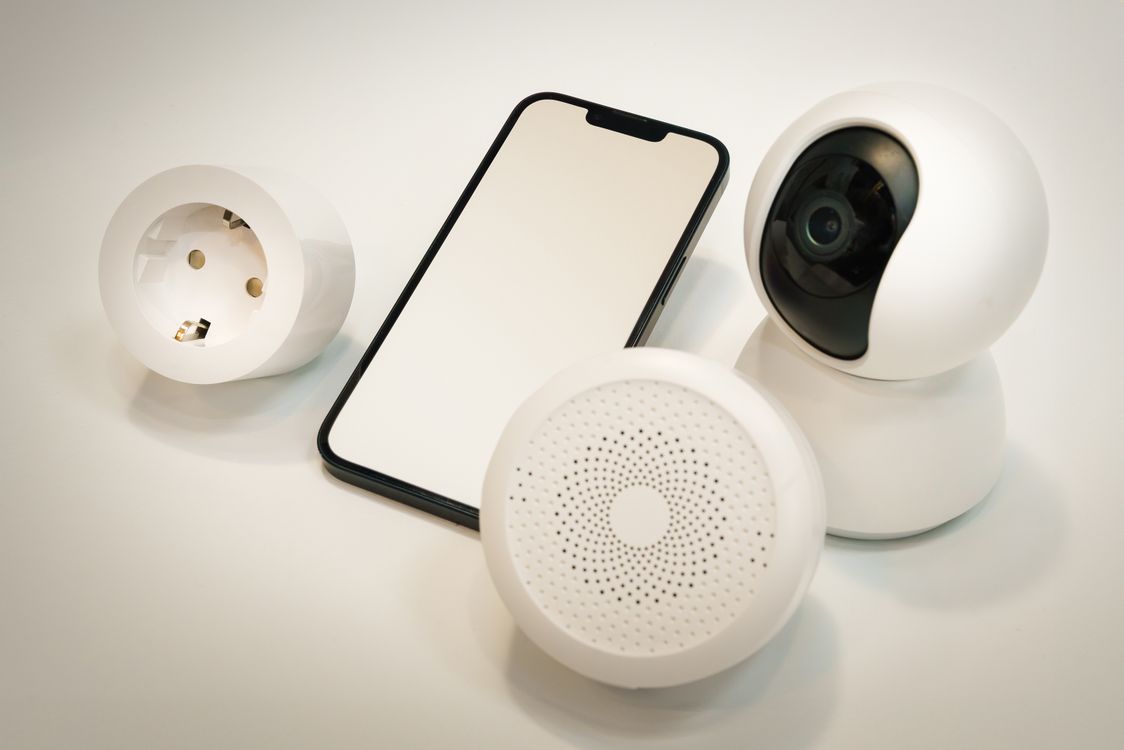
Photo by Jakub Zerdzicki / Pexels
Activity Awareness Without Cameras in Living Spaces
This is where the "without spying" part of this guide matters most. Cameras pointed at a parent's living room or bedroom, even with good intentions, tend to feel invasive fast — and can genuinely damage trust if your parent feels watched rather than supported. There's a real alternative that gives peace of mind without a camera feed at all:
- Discreet motion sensors placed on a few key points — the front door, the medicine cabinet, the coffee maker — that simply log "activity detected" timestamps to an app, without any video or audio. A pattern of normal daily movement (door opened in the morning, kitchen activity around usual times) is often all the reassurance a family actually needs.
- "All is well" check-in routines through the smart speaker — a simple daily prompt like "good morning, tap or say you're okay" that sends a single confirmation to family, rather than continuous monitoring of everything happening in the home.
- Door and appliance sensors that alert if, say, the front door hasn't opened by a usual mid-morning time, or if the stove has been left on for an unusually long stretch — flagging genuine anomalies without watching everything in between.
If a camera does end up being the right call for a specific, agreed-upon reason — a serious fall risk, a diagnosed cognitive condition — keep it limited to entryways and hallways rather than living spaces or bedrooms, and make sure your parent knows exactly where it is and why.
Choosing Devices for Accessibility, Not Just Features
A device with excellent reviews online can still be a poor fit for an older user if it wasn't designed with accessibility in mind. A few things worth checking before buying anything on this list:
- Physical buttons over touchscreens where possible — a pendant with one large, obvious button beats a touchscreen watch interface for almost every use case involving stress or urgency.
- Large, high-contrast text on any display device, and the ability to increase font size further in settings.
- Minimal app dependency. If a device requires your parent to personally navigate a smartphone app to function day-to-day, it will likely become something you manage remotely rather than something they use independently — which is fine for some devices (a caregiver dashboard, for instance) but a dealbreaker for anything meant for direct daily use.
- Battery life and charging simplicity. A pendant that needs weekly charging on a specific dock is far more likely to end up dead in a drawer than one with a multi-month battery or a simple wireless charging pad it can just be set on.
Who Actually Maintains This Setup?
This is the question families skip and regret skipping. Firmware updates, subscription renewals, Wi-Fi outages, low batteries — someone has to own this on an ongoing basis, and "we'll figure it out" is how a genuinely useful safety system quietly stops working eight months in. Before finalizing a setup, decide explicitly:
- Who receives alert notifications, and is it one person or several (several is usually better, so no single missed notification becomes a missed emergency).
- Who's responsible for replacing batteries and checking device status monthly.
- What the actual plan is if Wi-Fi goes down — does the pendant have independent cellular fallback, or does the whole system depend on home internet staying up.
- Who manages subscription renewals, since a lapsed monitoring subscription on a fall-detection pendant is a false sense of security that's worse than having no pendant at all.
A Realistic Starting Setup
For a family just beginning this process, here's a sequence that tends to actually stick, rather than overwhelming everyone in one weekend:
- Week one: Smart speaker or display, placed where your parent already spends time, with two or three commands practiced together in person.
- Week two: Motion-sensor night lighting along the bedroom-to-bathroom path — cheap, invisible in daily use, and immediately useful.
- Week three or four: A fall-detection pendant or watch, chosen together, with a real conversation about when and why it gets worn.
- Later, as needed: Video doorbell, medication dispenser, or discreet activity sensors — added one at a time, based on what's actually come up, not preemptively.
Frequently Asked Questions
Will my parent feel like they're being watched?
That risk is real, and it depends almost entirely on how devices are introduced and which ones are chosen. Involving your parent in the decision, avoiding cameras in private living spaces, and favoring ambient sensors over continuous monitoring all reduce this significantly.
How much should I expect to spend?
A smart speaker and motion-sensor lighting can be under $100 combined. Fall-detection systems with monitoring typically run $20–$40 a month on top of the device cost — budget for this as an ongoing expense, not a one-time purchase.
What if my parent isn't comfortable with technology at all?
Start smaller than feels sufficient — a single motion-sensor night light, or a speaker set up to do exactly one thing well, like calling you. Comfort and trust build from small wins, not from a fully-featured system introduced all at once.
Do these devices work if the power or Wi-Fi goes out?
Battery-powered pendants with cellular connectivity (not Wi-Fi-dependent) continue working through both power and internet outages, which is worth prioritizing for anything safety-critical, like fall detection.
Is it worth involving other family members in the alerts?
Generally yes — a single point of failure (one adult child who happens to have their phone on silent) is a real risk with any alert-based system. Spreading notifications across two or more people, or a small family group, adds meaningful redundancy.
The Bottom Line
The families who stick with this kind of setup long-term are almost always the ones who treated it as something built with a parent, not installed on them. Start with one device that solves one real, specific worry, get it genuinely comfortable in daily use, and let the rest of the system grow from there. The goal isn't a fully monitored home — it's a parent who can keep living independently, with a safety net that stays mostly invisible until the day it's actually needed.